
Last Updated: October 23, 2026
The SAMLEmailIDType key controls how the D3 system matches usernames during single sign-on (SSO) authentication with a SAML identity provider. It determines whether the system uses the full email address or only the local-part (portion before the "@") from the SAML username to identify the user's D3 account.
Navigating to the SAMLEmailIDType Key
-
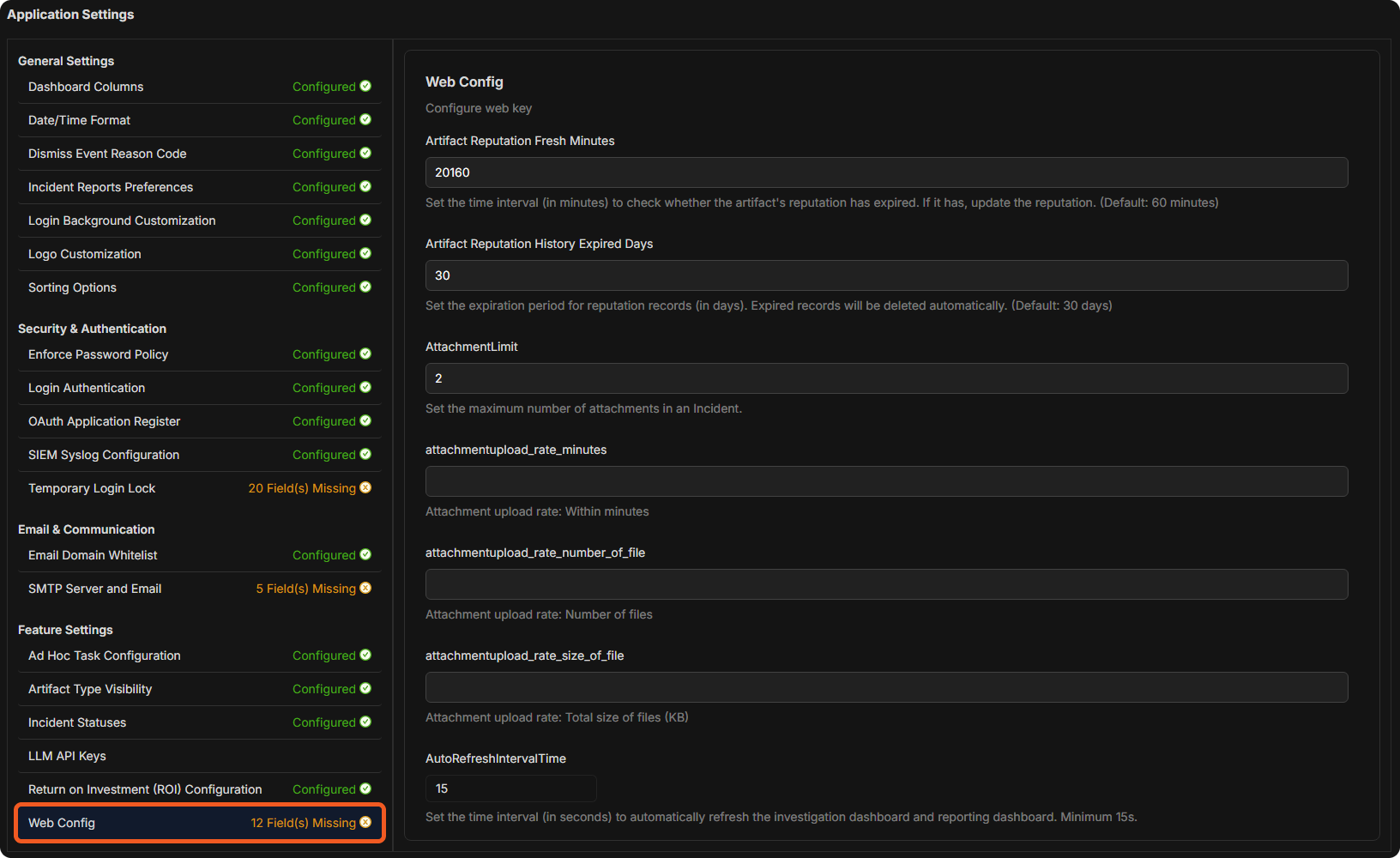
Go to Global Settings > Application Settings, and select Web Config (under Feature Settings).
-
Scroll down the Web Config panel on the right until SAMLEmailIDType appears. Select True or False. The text under the key describes each value.

Accepted Values
-
true
-
false
Behavior
|
SAMLEmailIDType |
Username Match Behavior |
D3 vSOC Login Page Username |
|---|---|---|
|
false |
Matches the full email address. |
demo@d3security.com |
|
true |
Matches the portion of the email before "@". |
demo |
At the redirected identity provider authentication portal, users are prompted to enter their SAML credentials.
-20250506-185641.png?cb=2cbba2426483dc86834150d2577acd23)
Upon authentication, this email—either in its full form (e.g., support@d3soar.com) or in its local-part form (e.g., support), depending on the SAMLEmailIDType setting—is used by D3 to match against the usernames listed under Global Settings > Organization Management > Users (the Username column). Access is granted if a corresponding match is identified.