Last Updated: October 26, 2026
Overview
A nested playbook is a playbook that runs inside another playbook. In D3, a nested playbook is a custom utility command or custom integration command whose implementation is Codeless Playbook. You build its tasks on a playbook canvas, and then use the command as a command task in other playbooks.
Codeless playbooks still use Jinja in some tasks, for example in a Data Formatter task. See Jinja Basics and Dynamically Selecting Data.
Creating a Nested Playbook
This example builds a nested playbook as a custom utility command. A custom integration command is built the same way from its integration. See Integration Custom Command.
Tip: you can also generate this codeless playbook command with AI. See Generating with AI.
-
Go to Configuration › Utility Commands, then add a command. See Utility Custom Command.
-
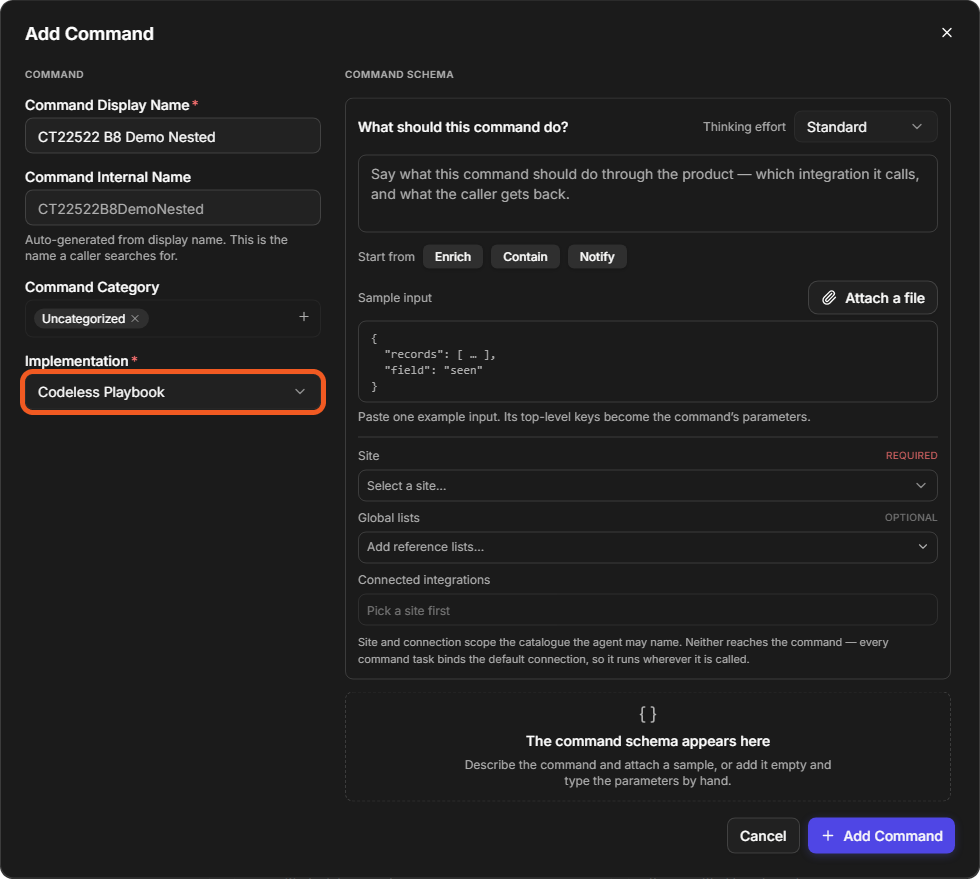
In the Add Command window, enter the Command Display Name. Under Implementation, select Codeless Playbook, then select Add Command.
-
Build the nested playbook on the canvas. Use the + on a node to add connected tasks, for example a Data Formatter task.
-
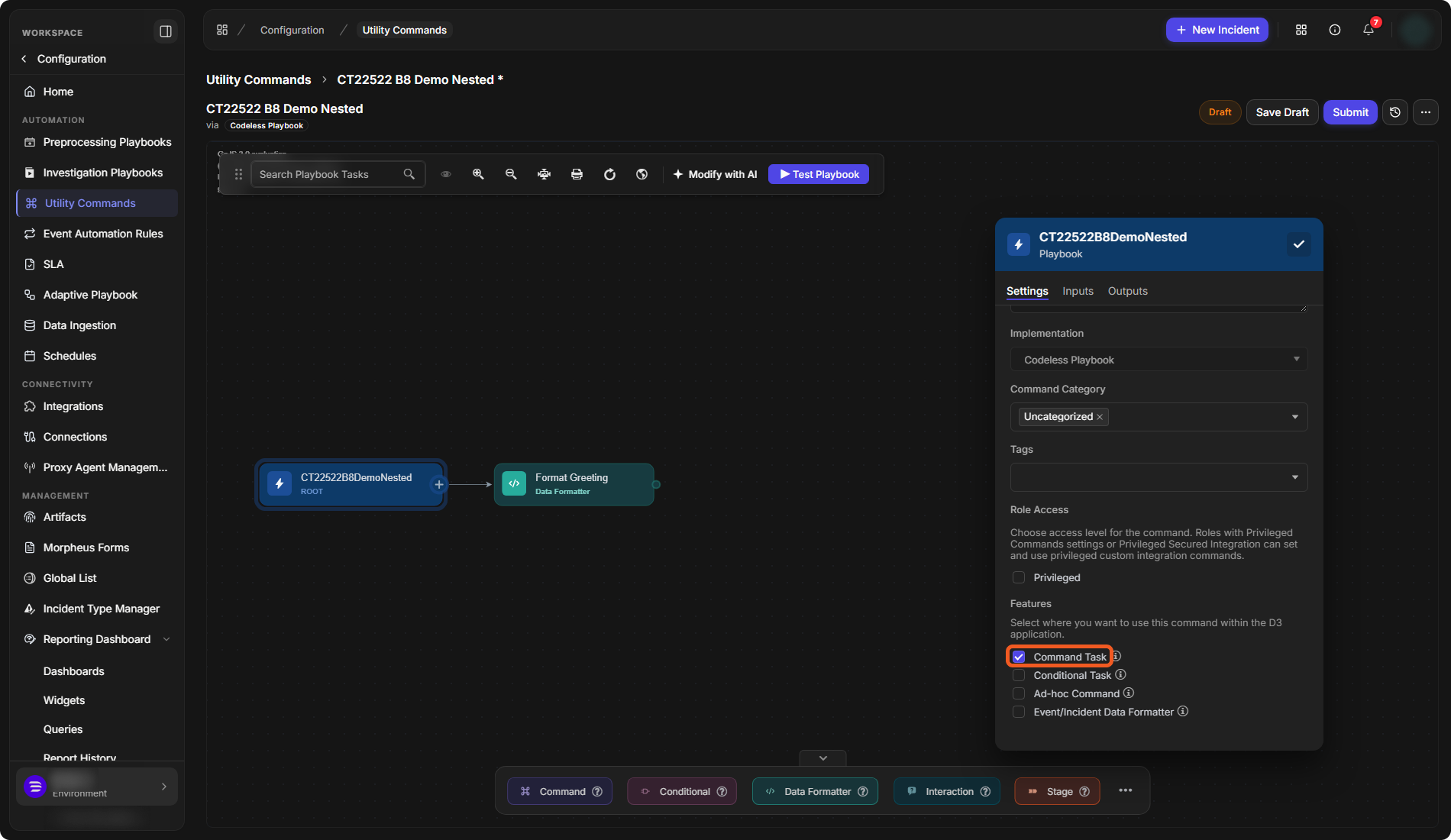
Select the root node (the node with the command's name, marked ROOT). On its Settings tab, under Features, tick Command Task, so the command can be used as a command task in playbooks. Then select the check button at the top of the panel to save the settings.
-
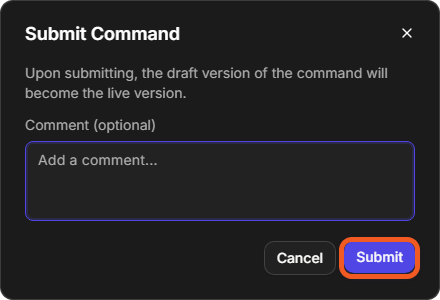
Select Submit. In the Submit Command window, optionally add a comment, then select Submit. The draft version of the command becomes the live version.
The Add Command window
Command Task under Features
Submit Command
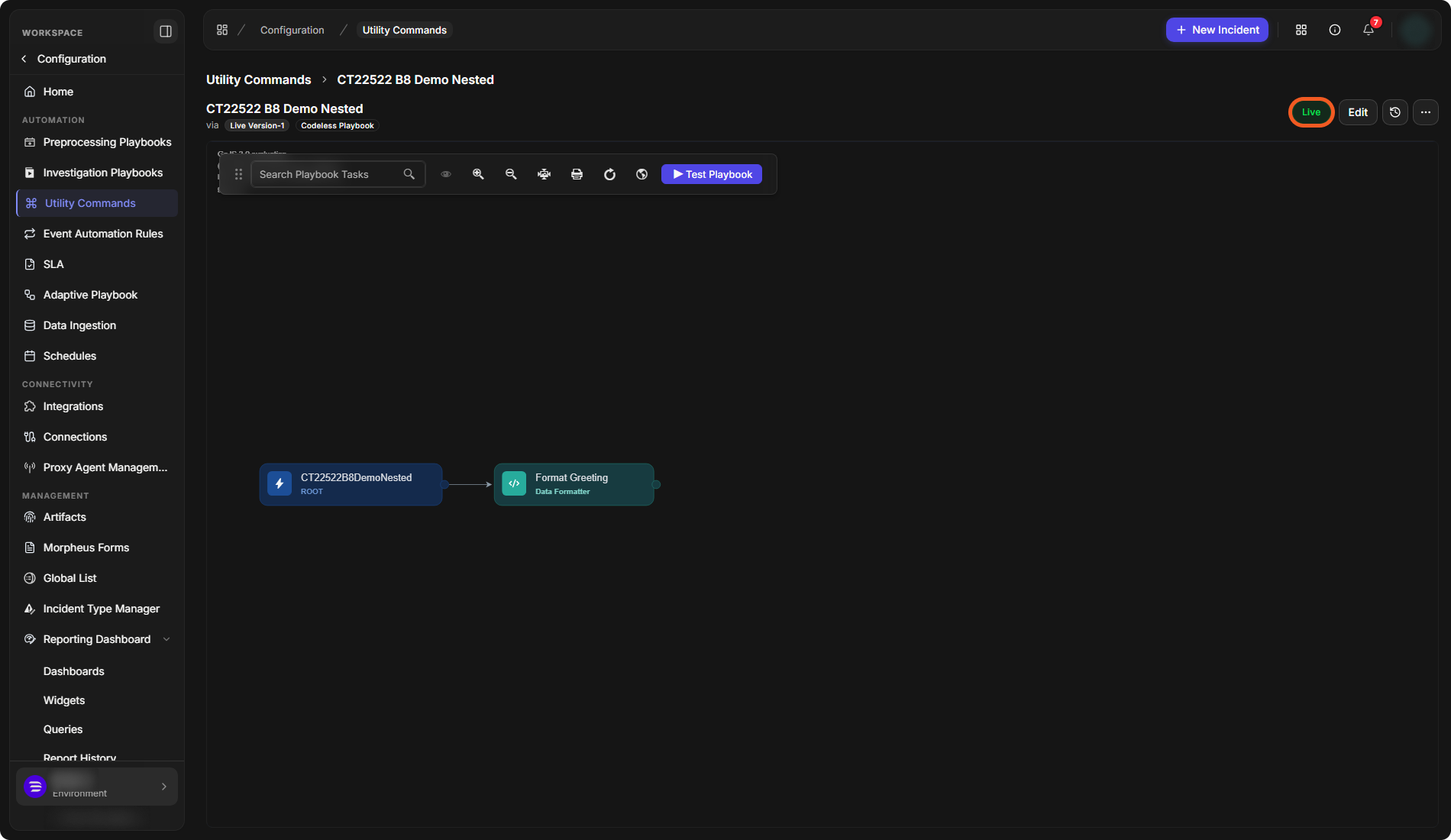
The command shows Live and Live Version-1, and its tasks are shown on the canvas.
The live nested playbook
Testing a Nested Playbook
Select Test Playbook on the nested playbook's canvas. See Playbook Testing and Task Node Re-runs.
Adding a Nested Playbook to a Parent Playbook
-
Go to Configuration › Investigation Playbooks (or Preprocessing Playbooks), then open a playbook. See Investigation Playbooks and Preprocessing Playbooks.
-
Select the + on the node after which the nested playbook should run, then select New Command Task.
-
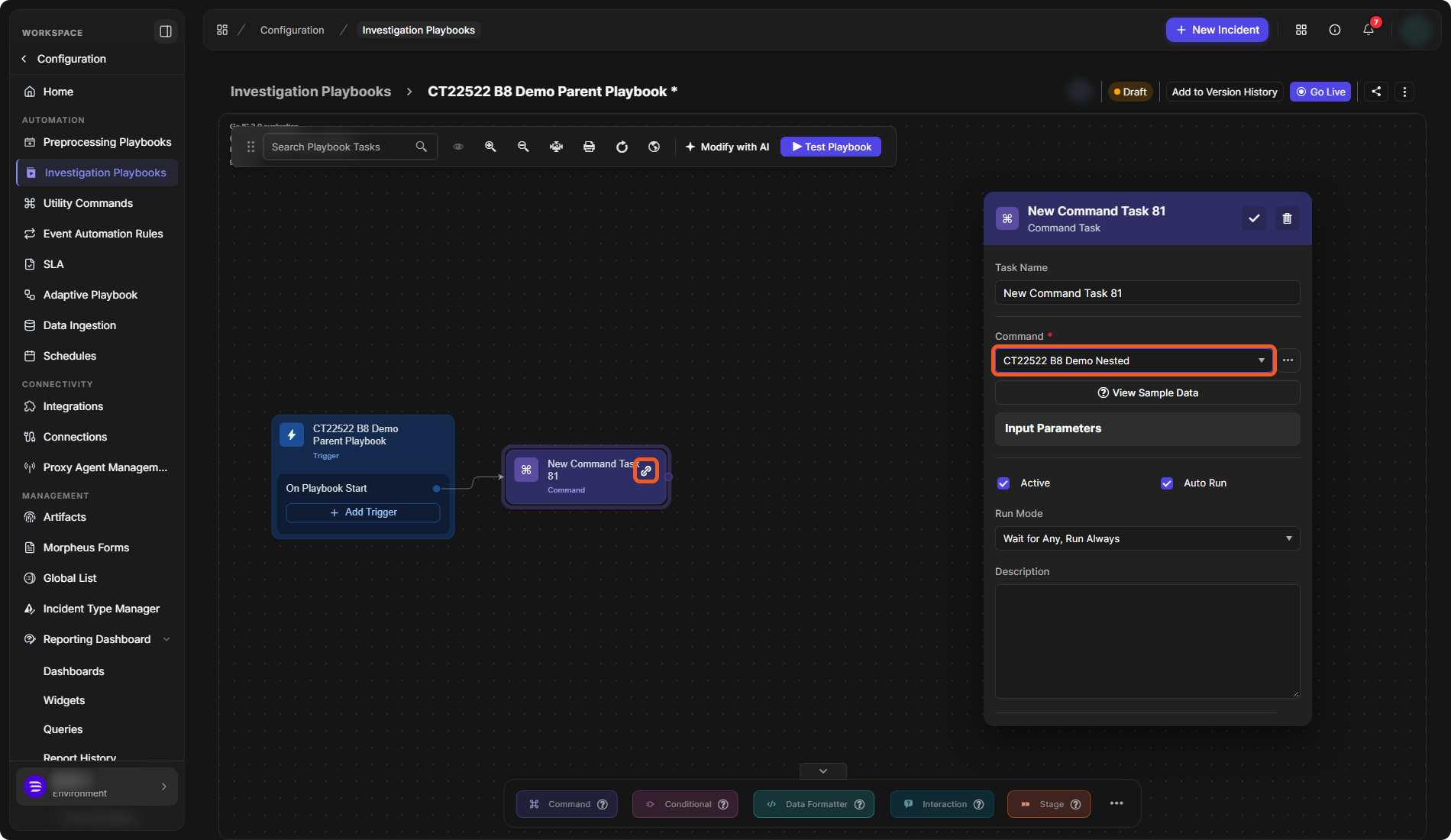
In the task's Command field, choose the nested playbook command.
-
Select the check button at the top of the task panel to save the task.
The command task is added to the parent playbook. A link icon on the task node marks it as a nested playbook.
A nested playbook in a parent playbook