last updated: Feb 1, 2024
Proxy Agent supports High Availability by installing multiple Proxy Agents in different servers. Each agent must use a unique Secure Token.
Example
-
Install the first Agent in
\D3Playbook\D3PlaybookAgent01folder.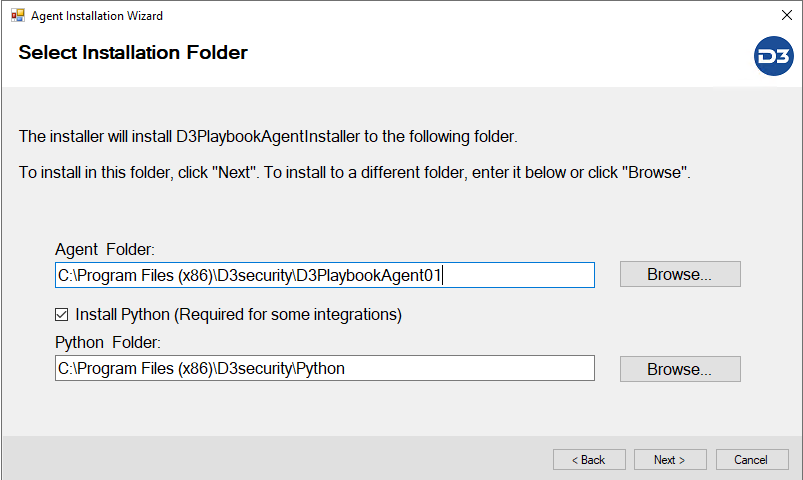
-
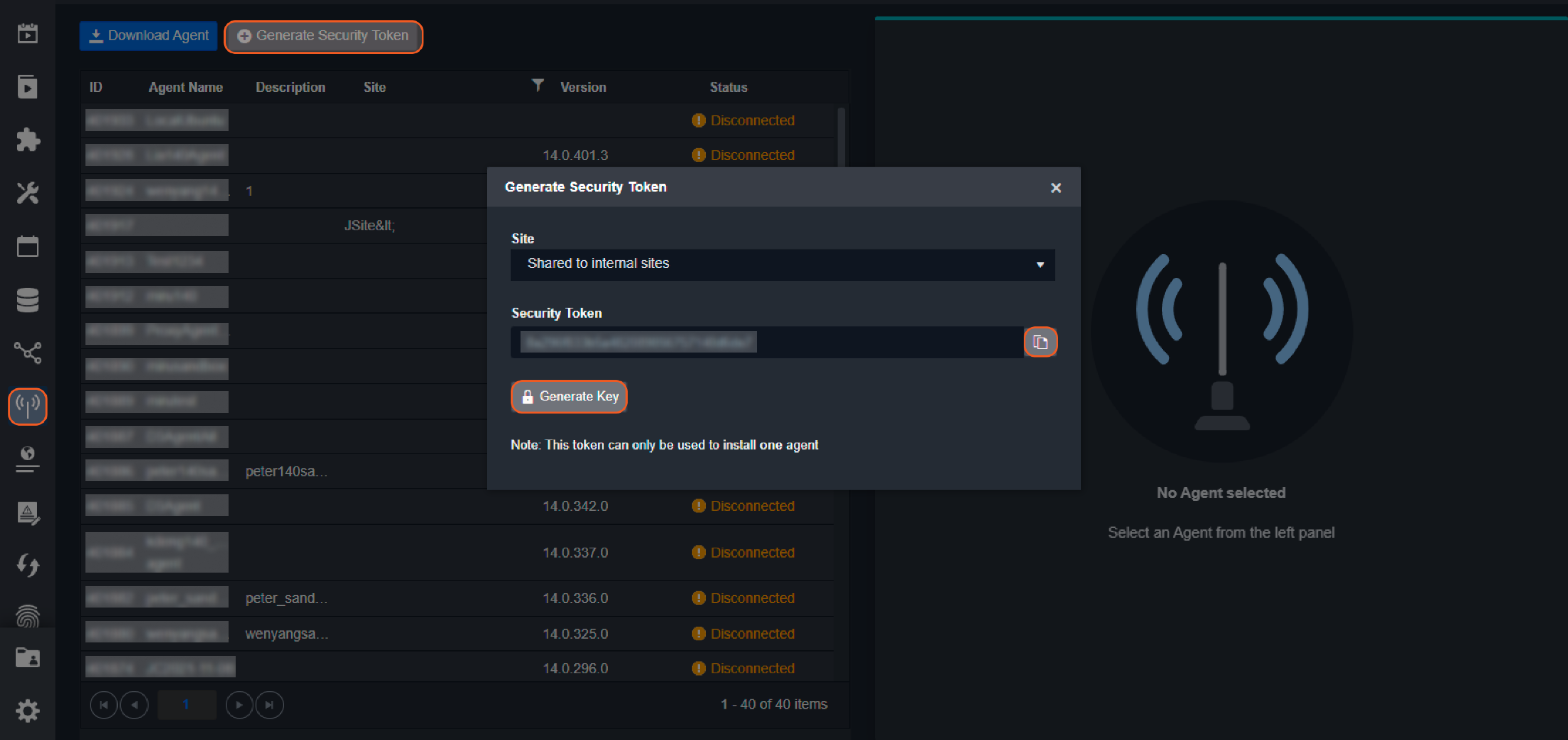
Each Agent needs a unique Security Token. Please generate the token in vSOC page.
-
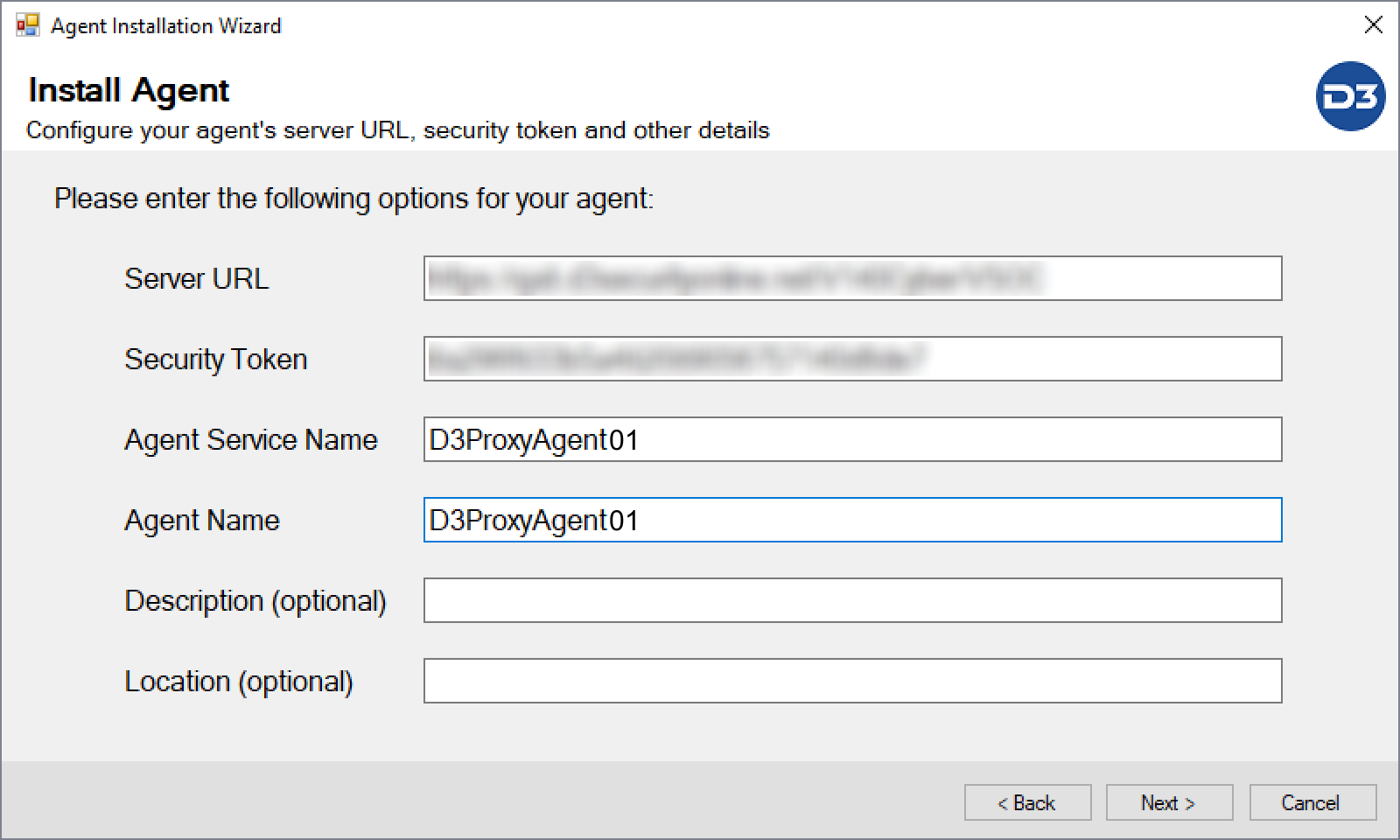
Enter a unique Security Token, Agent Service Name and Agent Name for this Agent
-
Install the 2nd Agent by right clicking
D3playbookAgentInstaller.exeand run as administrator. Choose Install a new agent.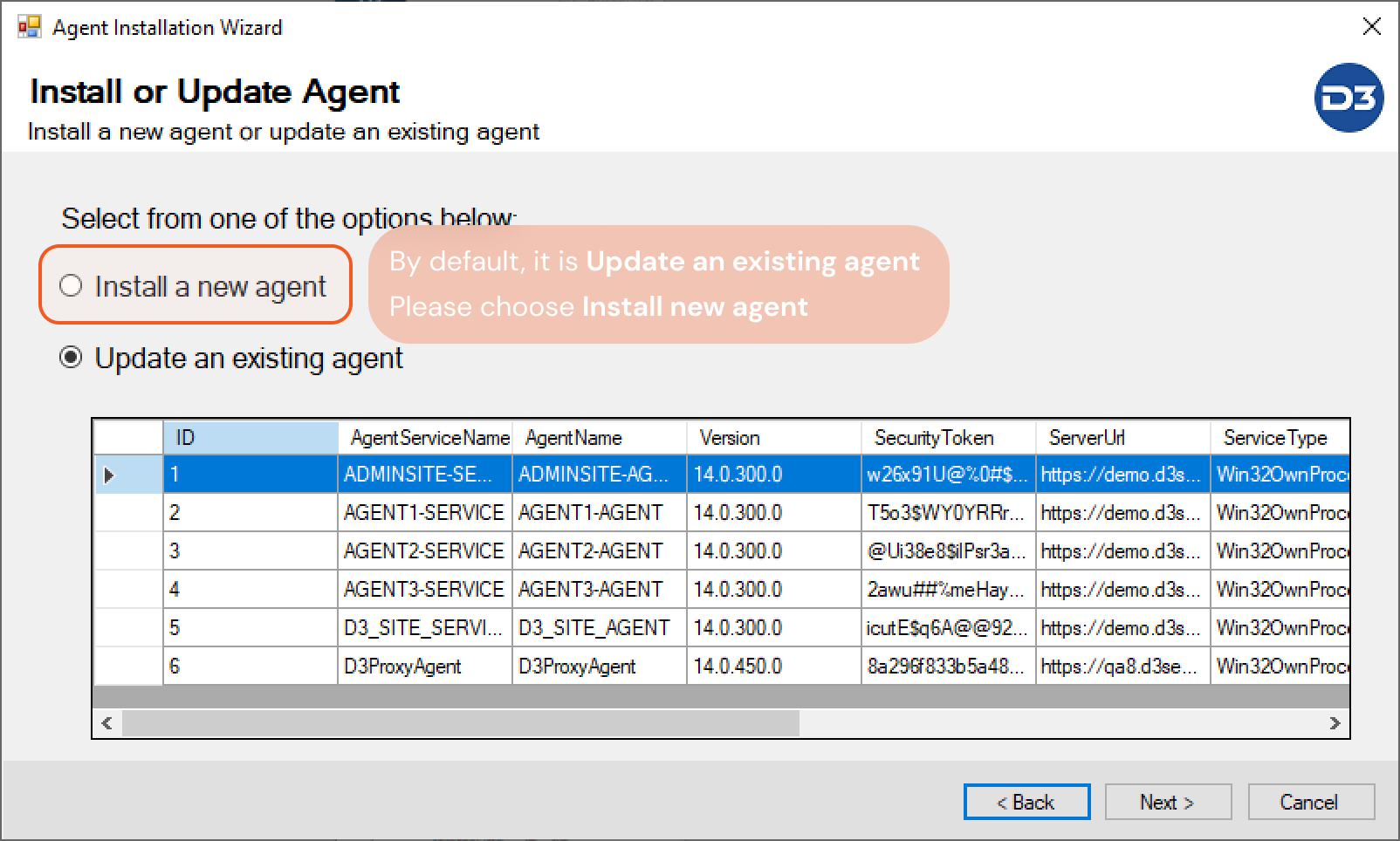
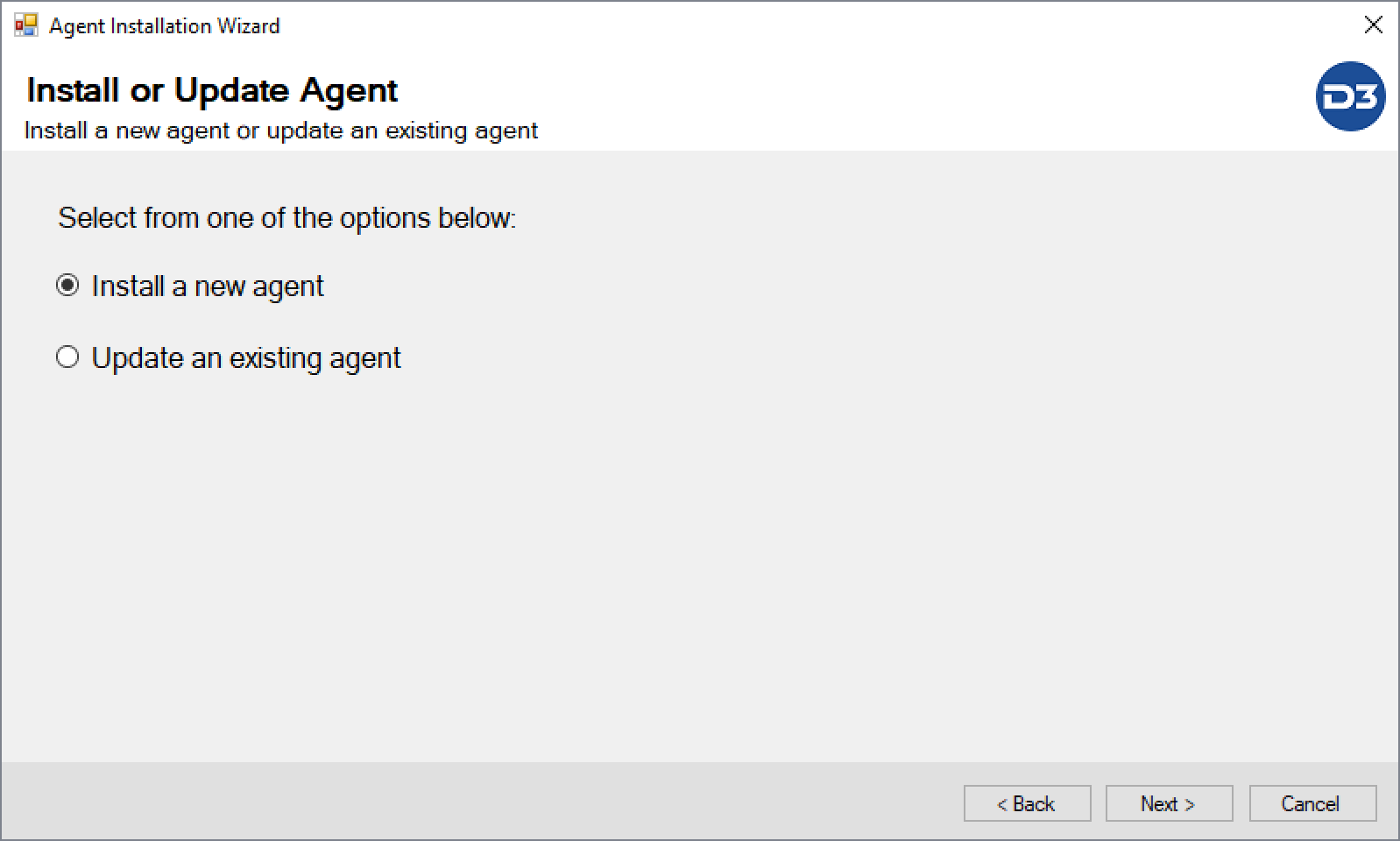
-
Use a unique folder name, for example
\D3PlaybookAgent02, Keep "Install Python" checked and leave the folder as it is. (That will configure the Python path for the 2nd Proxy Agent)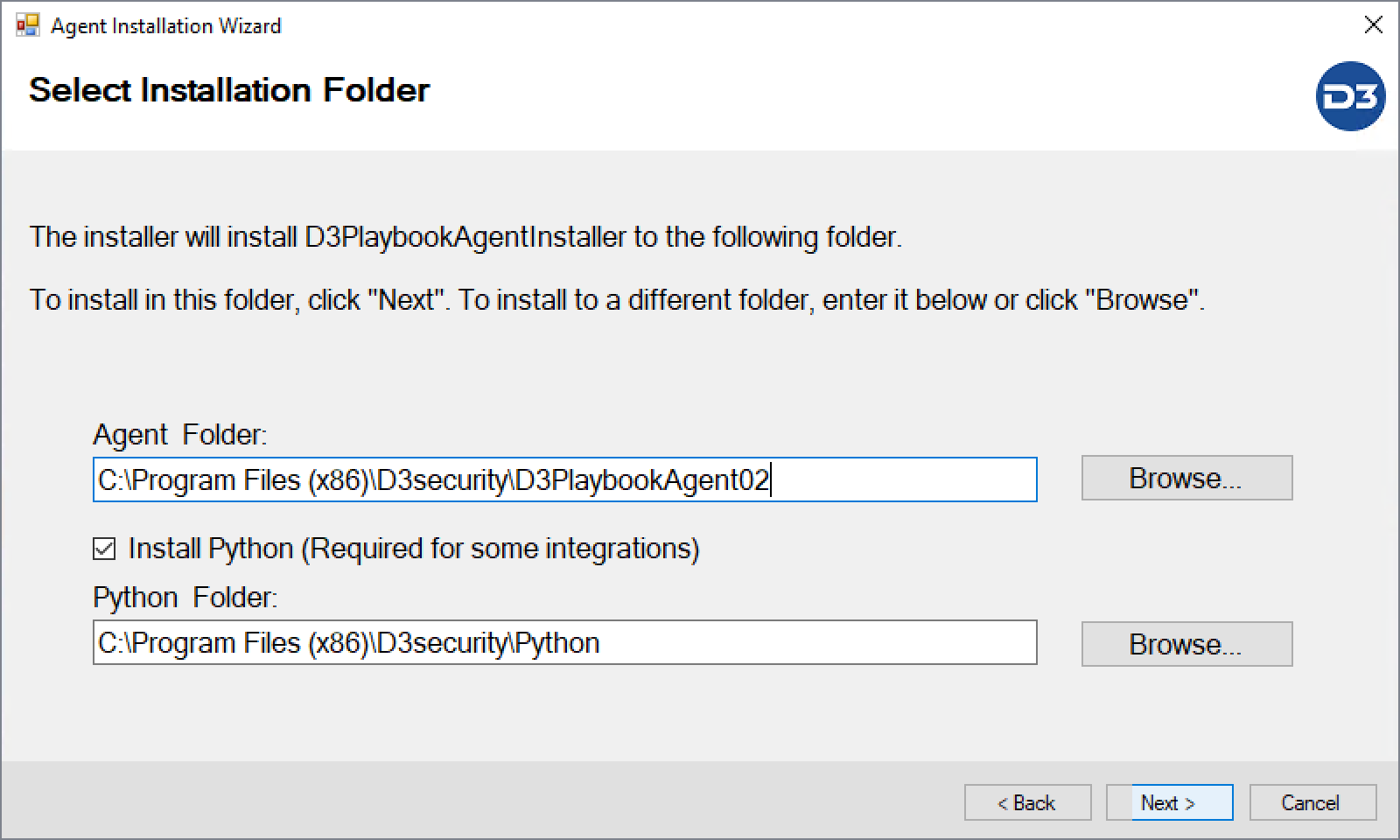
-
Use a Unique Security Token, Agent Service Name and Agent Name
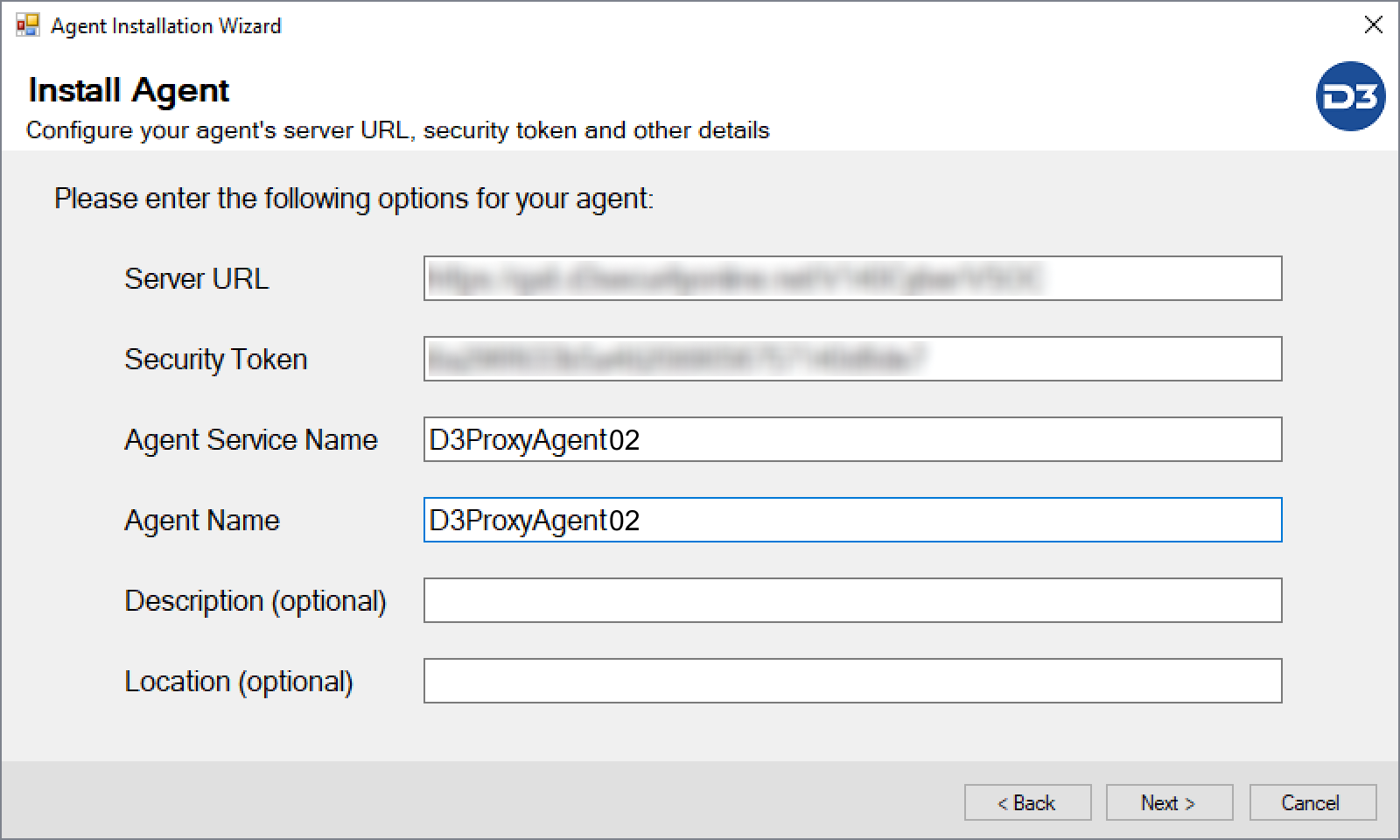
Complete the installation.
-
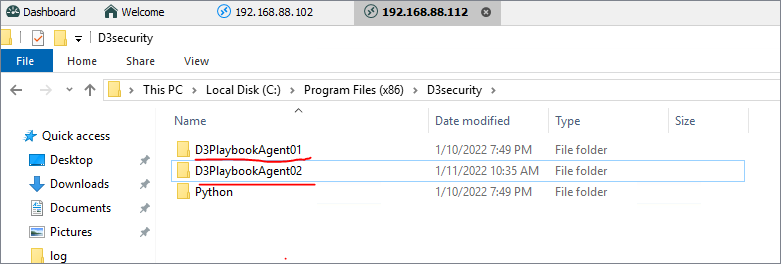
After 2nd agent installation finished, you will see two folders
-
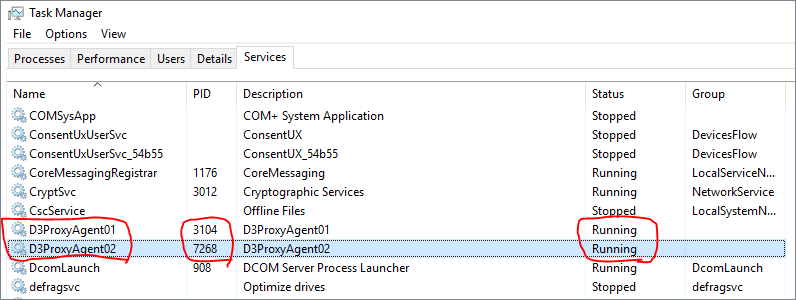
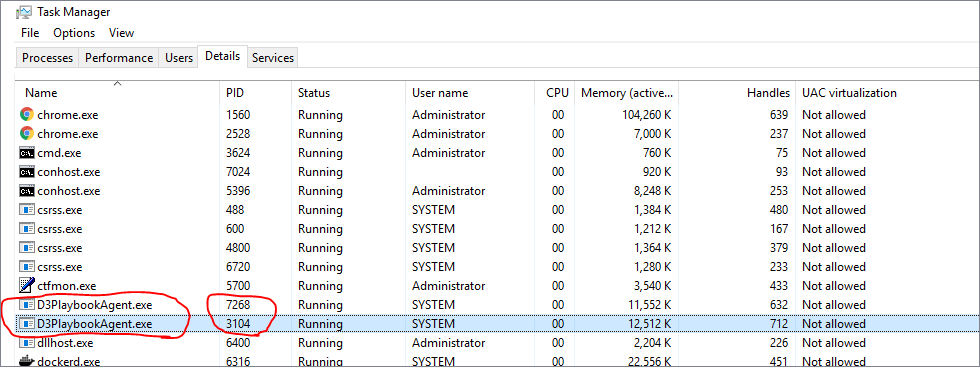
Check the service status in Windows Task Manager. Make sure the services are running.
-
Check the logs at
C:\Program Files (x86)\D3security\D3PlaybookAgent01\log, State:Connected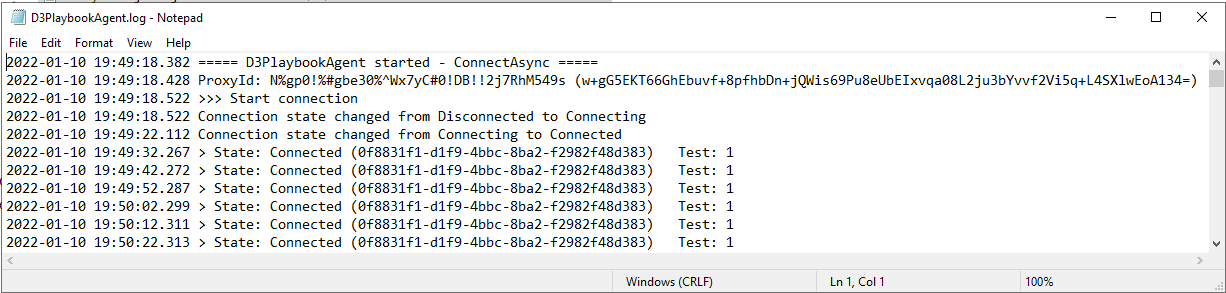
-
Check the logs at
C:\Program Files (x86)\D3security\D3PlaybookAgent02\log, State:Connected
-
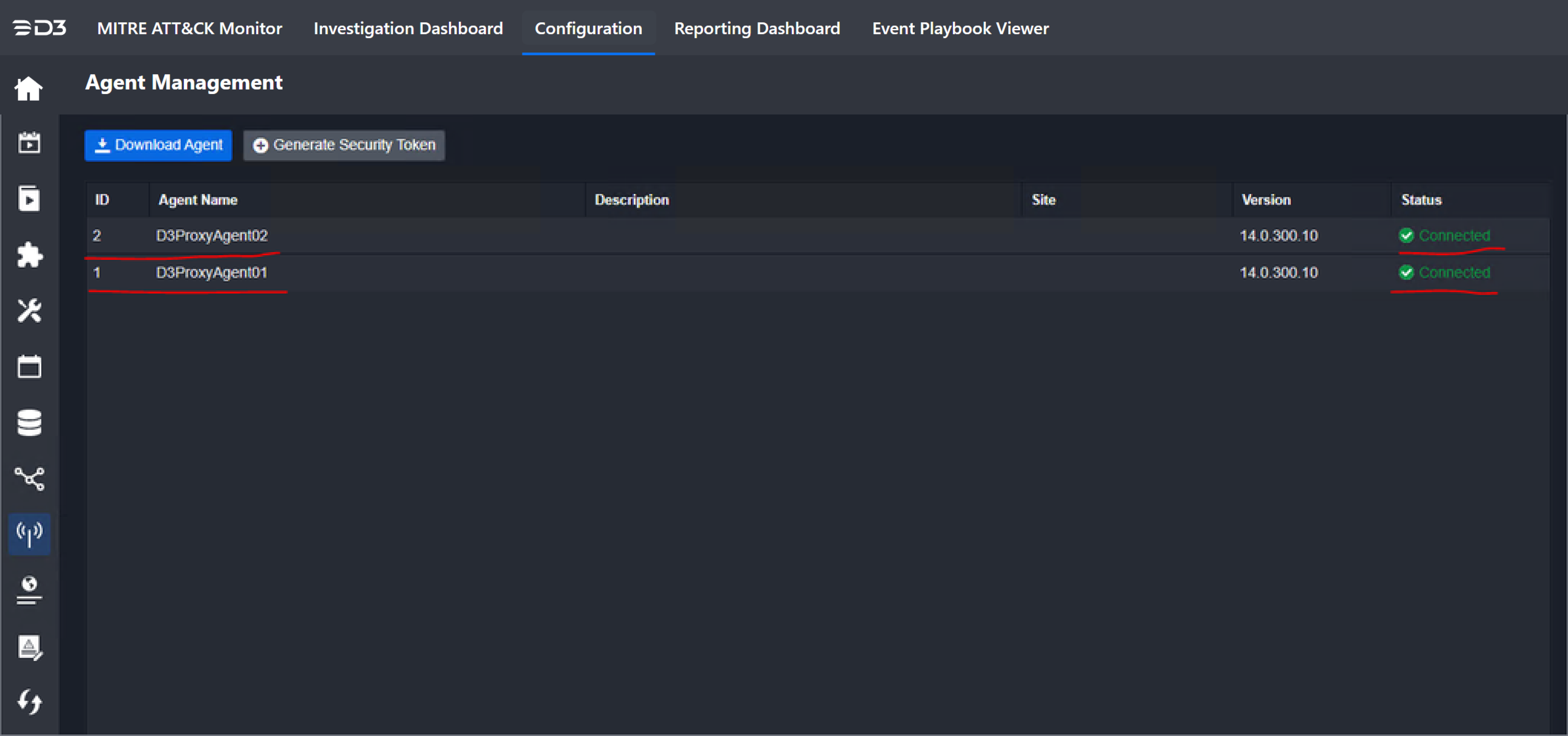
From the vSOC Agent Management interface, both of the Proxy Agents Status should be Connected. Installation has finished and is successful.