
Last Updated: October 26, 2026
Overview
Type @ in an incident note to mention a teammate by name. The mention is highlighted in the note.
Mentioning a Teammate
-
In the incident's Notes widget, select + beside the title.
Adding a note

-
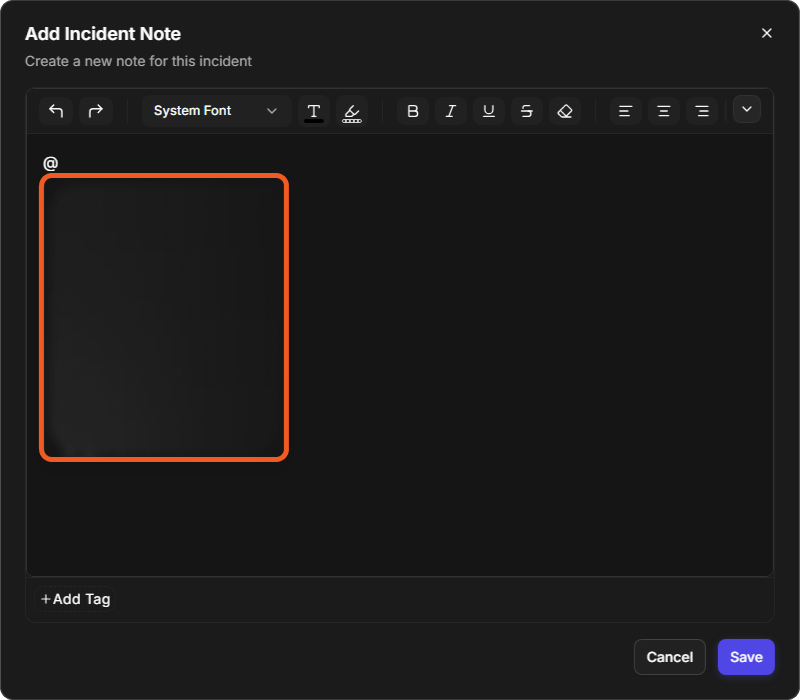
In the Add Incident Note window ("Create a new note for this incident"), type @ in the editor. A list of people opens, each with a name and an email address.
The people list
-
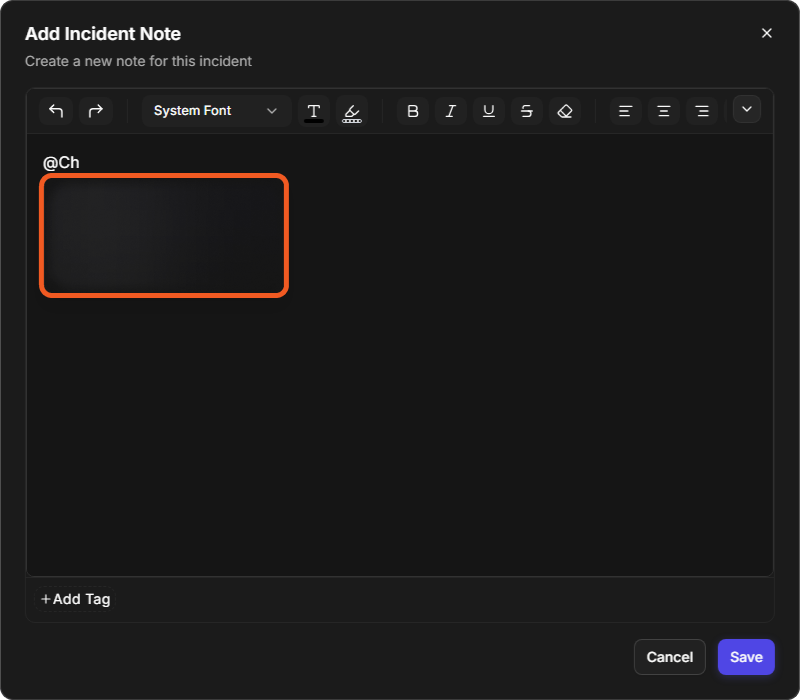
Keep typing to narrow the list to matching people, for example @Ch.
Narrowing the list
-
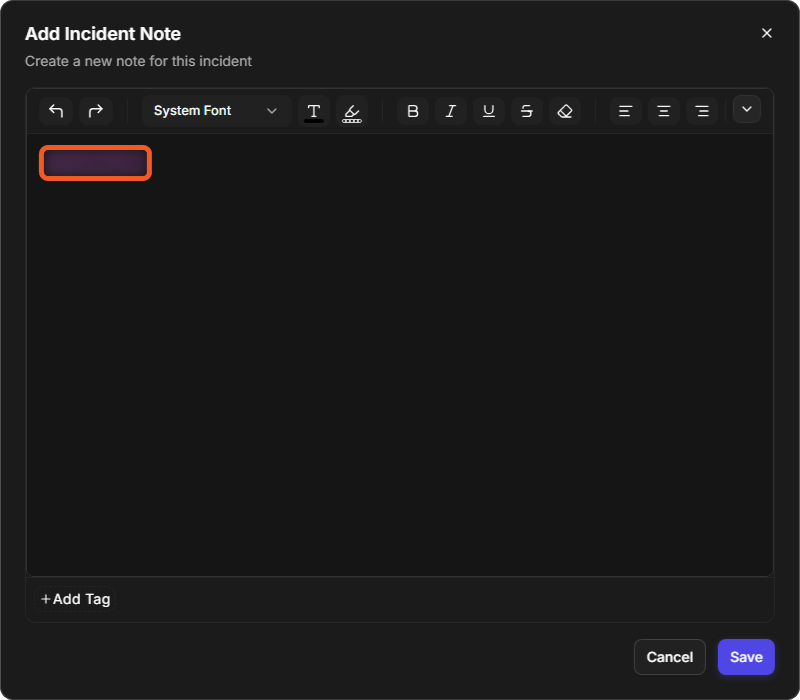
Select the person. The mention is added to the note, highlighted.
-
Finish the note, then select Save.
A mention in the note
To leave without adding the note, select Cancel.
For the notification bell and what it tells you about, see Notifications.