Last Updated: October 23, 2026
Proxy Agent supports High Availability by installing multiple Proxy Agents in different servers. Each agent must use a unique Secure Token.
Example
-
Install the first Agent in
\D3Playbook\D3PlaybookAgent01folder.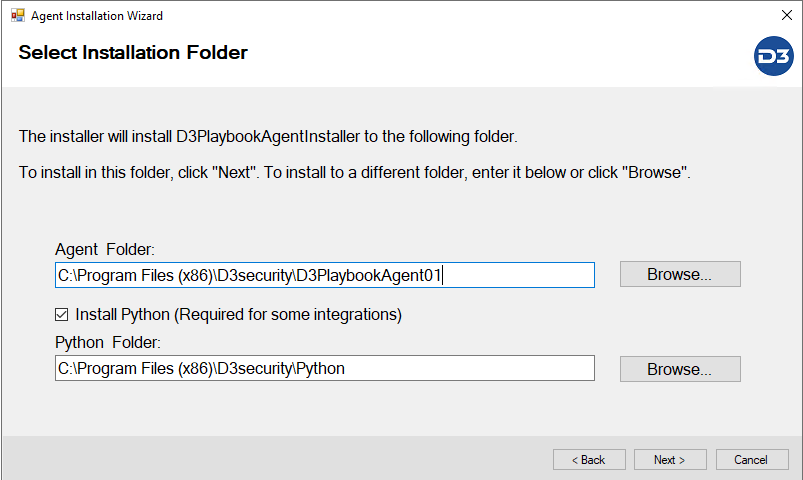
-
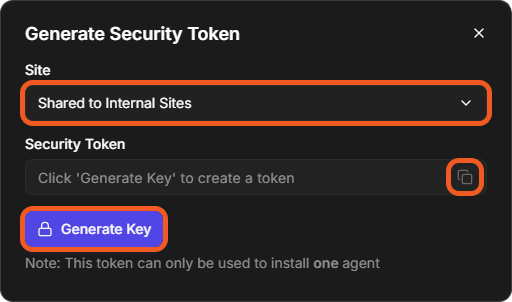
Each Agent needs a unique Security Token. Generate one for each agent on the Proxy Agent Management page (Configuration > Proxy Agent Management): select Generate Security Token, choose the Site, then select Generate Key.
-
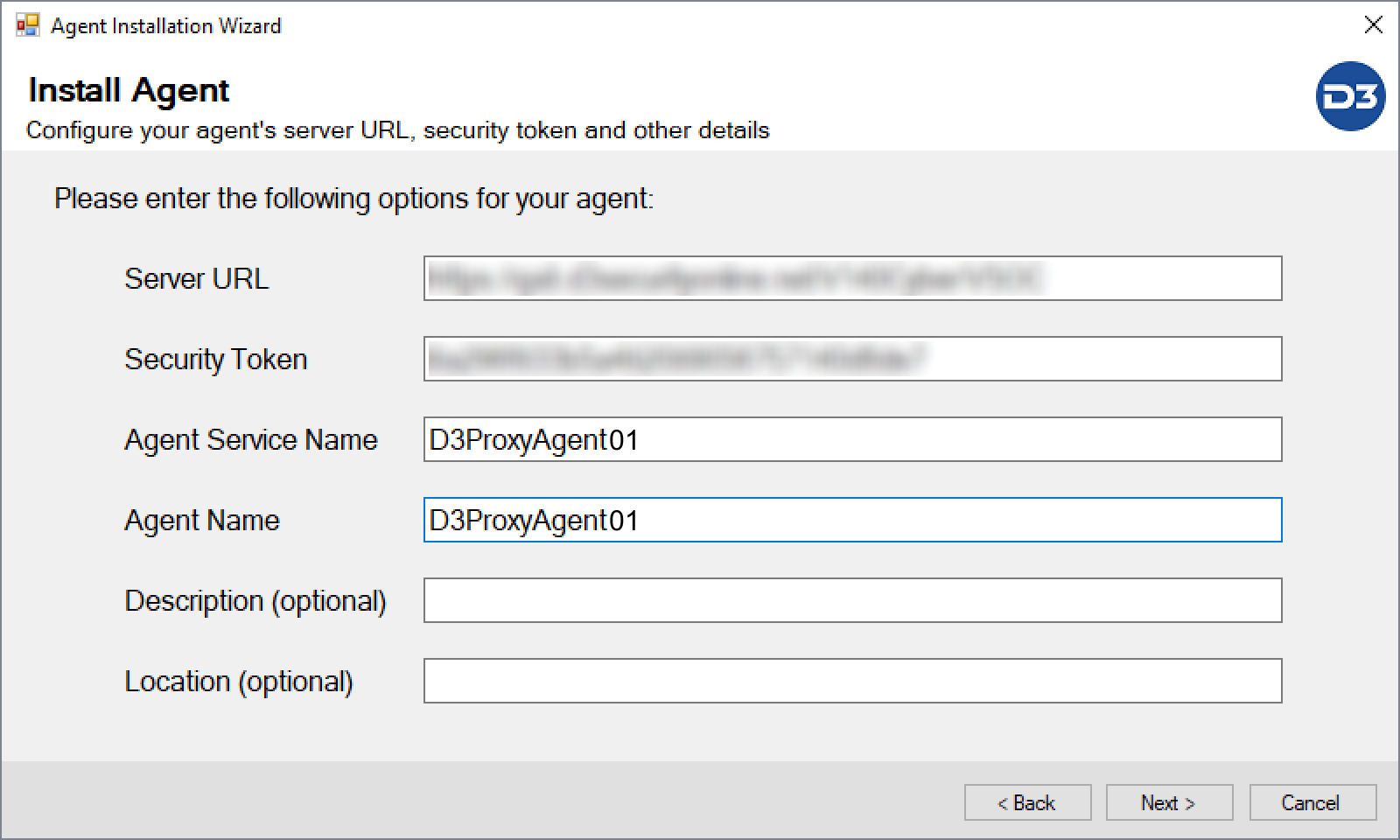
Enter a unique Security Token, Agent Service Name and Agent Name for this Agent
-
Install the 2nd Agent by right clicking
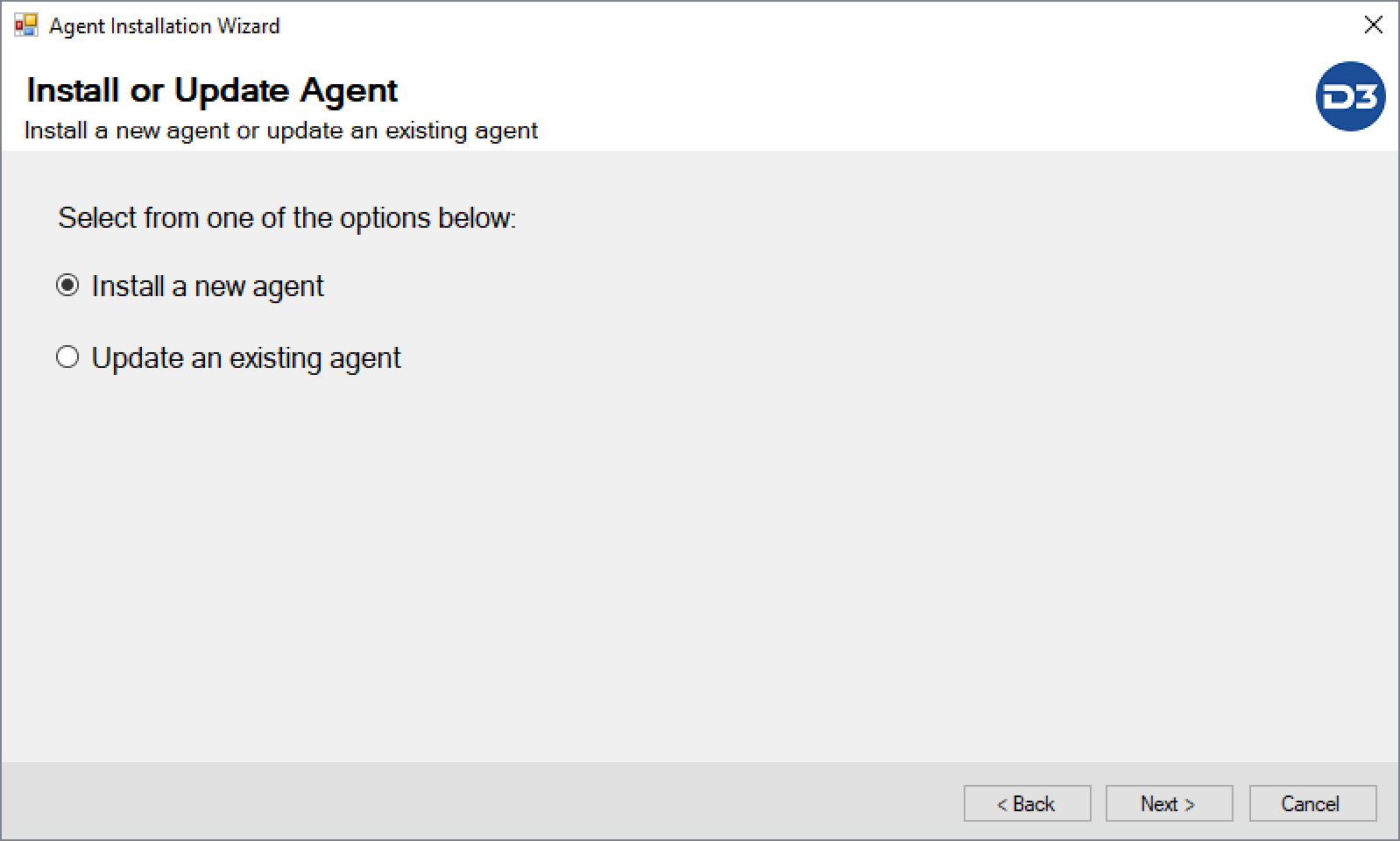
D3playbookAgentInstaller.exeand run as administrator. Choose Install a new agent.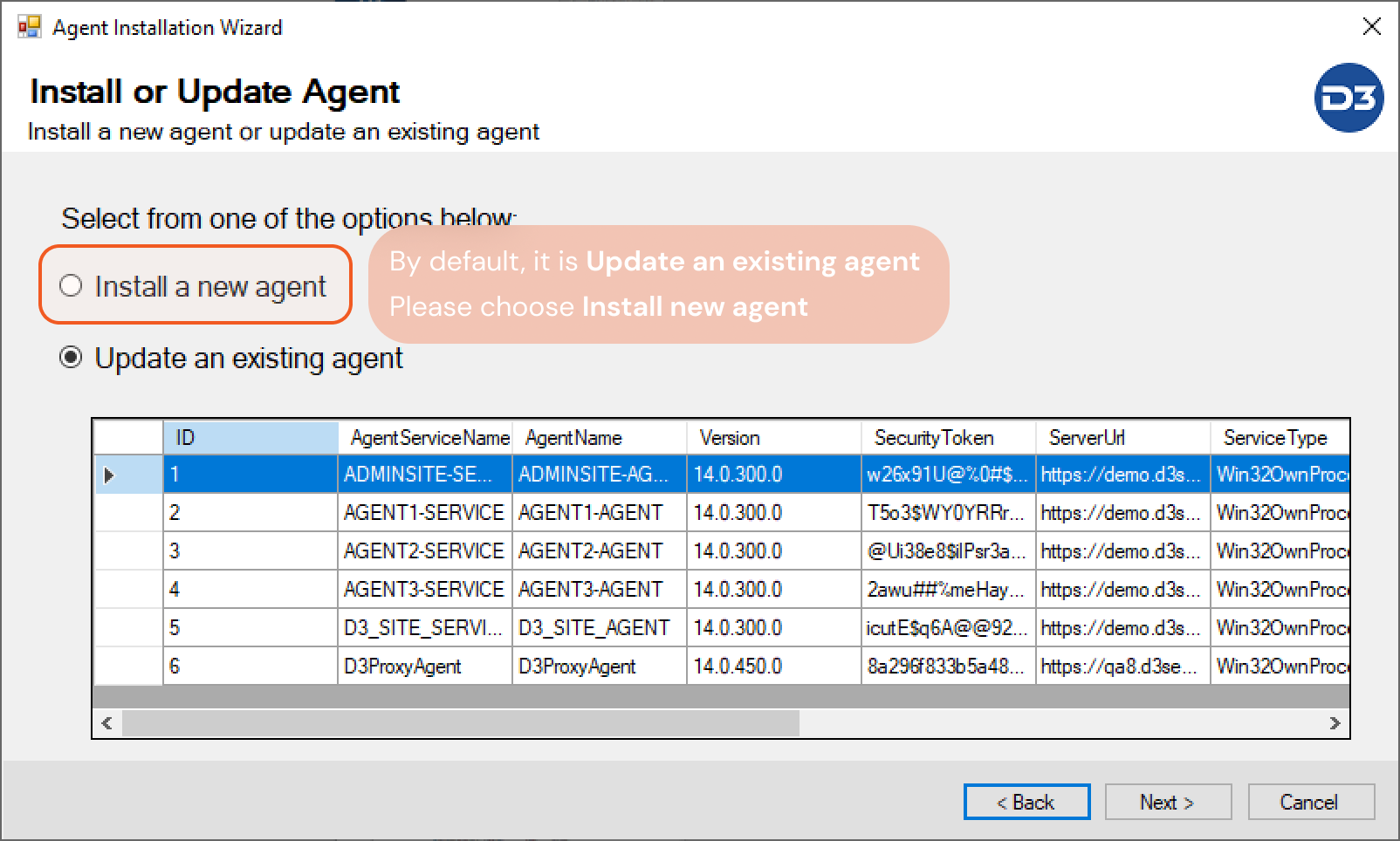
-
Use a unique folder name, for example
\D3PlaybookAgent02, Keep "Install Python" checked and leave the folder as it is. (That will configure the Python path for the 2nd Proxy Agent)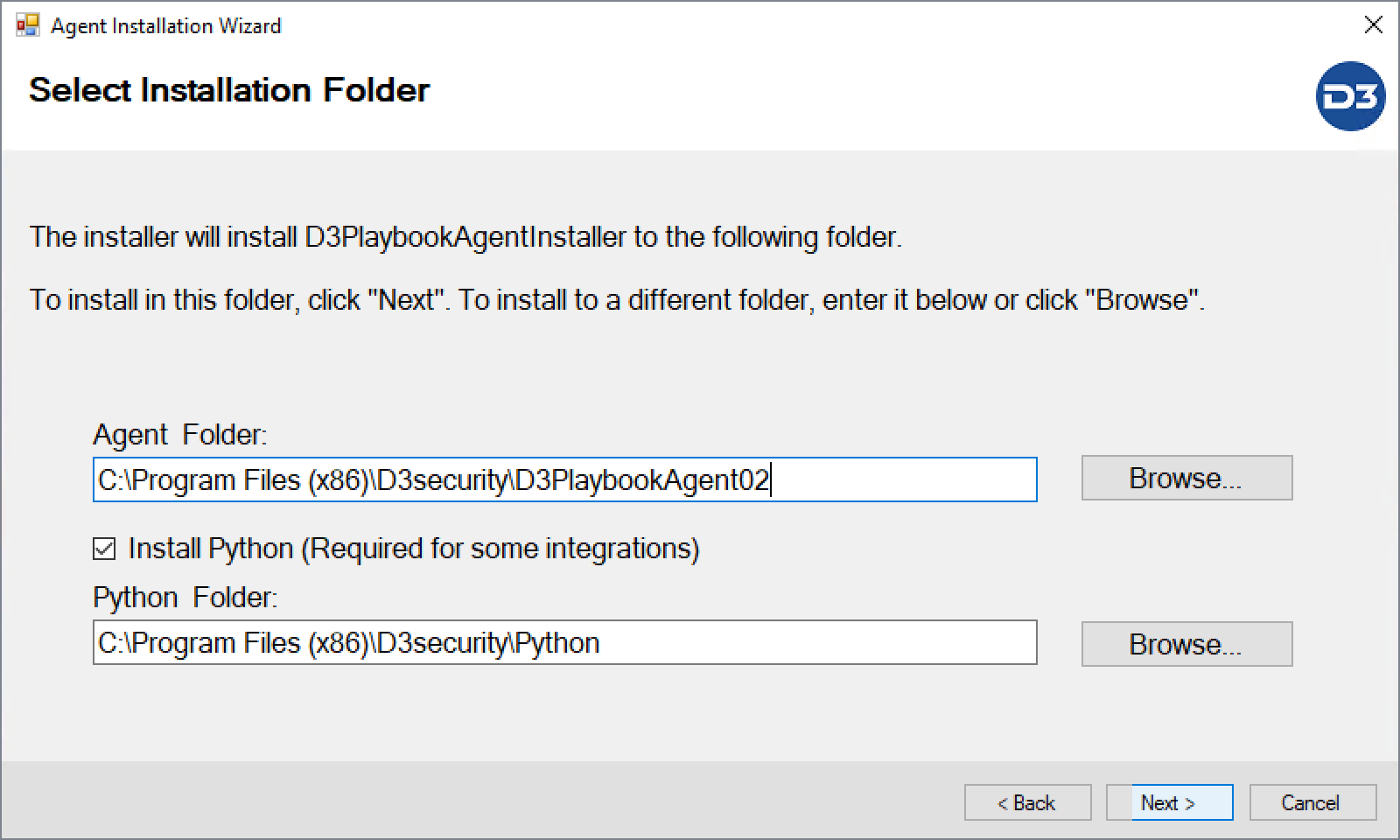
-
Use a Unique Security Token, Agent Service Name and Agent Name
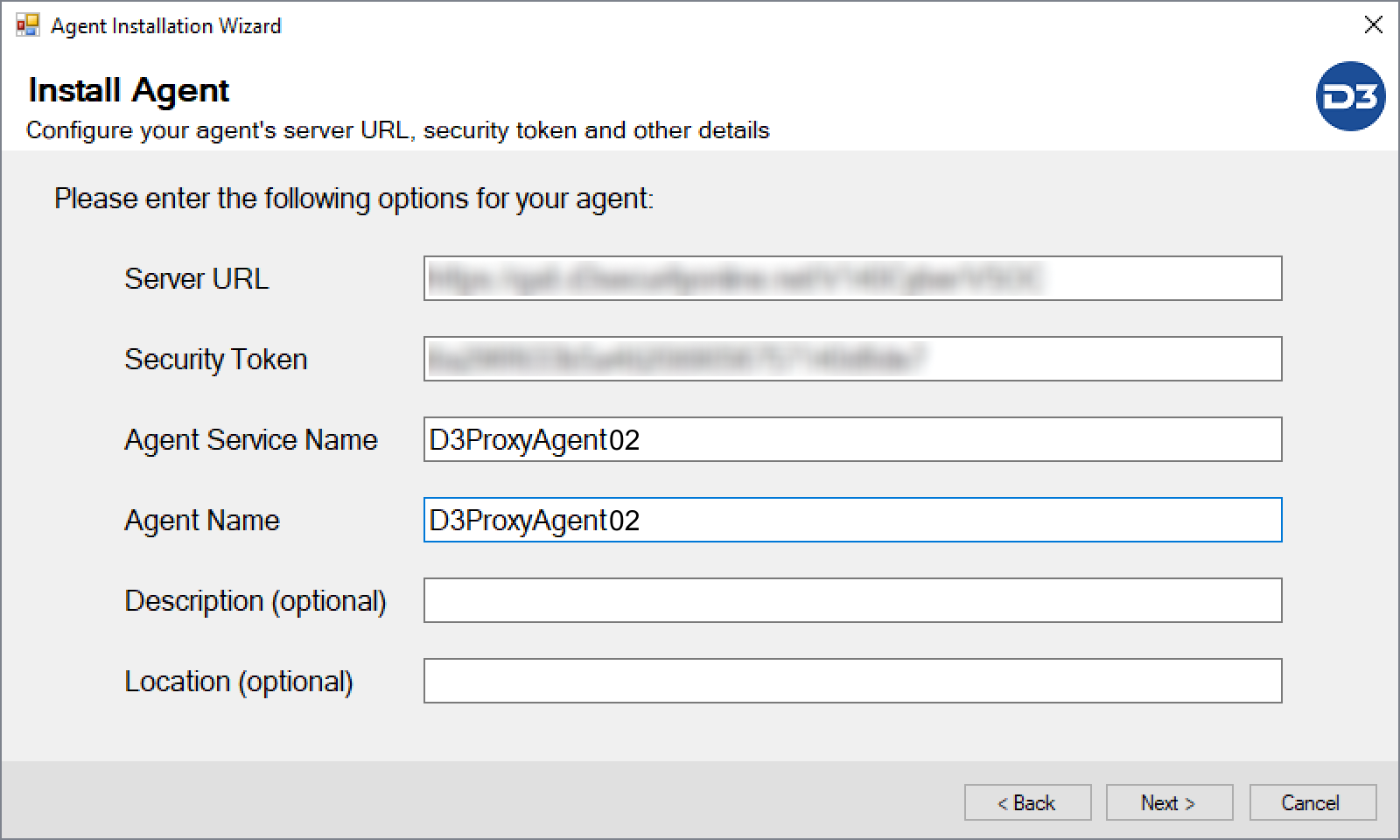
Complete the installation.
-
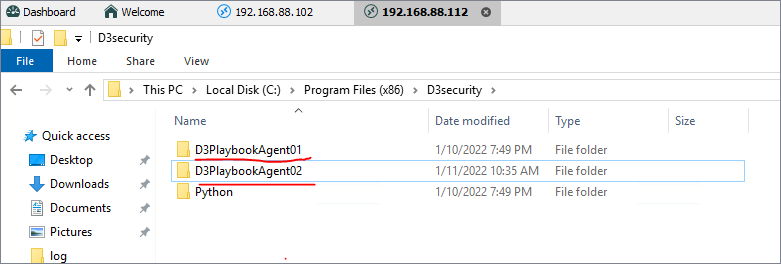
After 2nd agent installation finished, you will see two folders
-
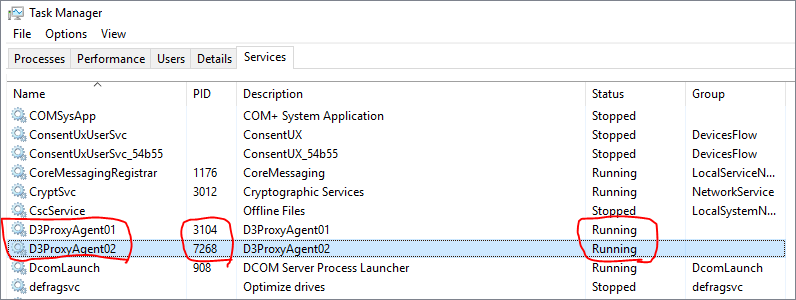
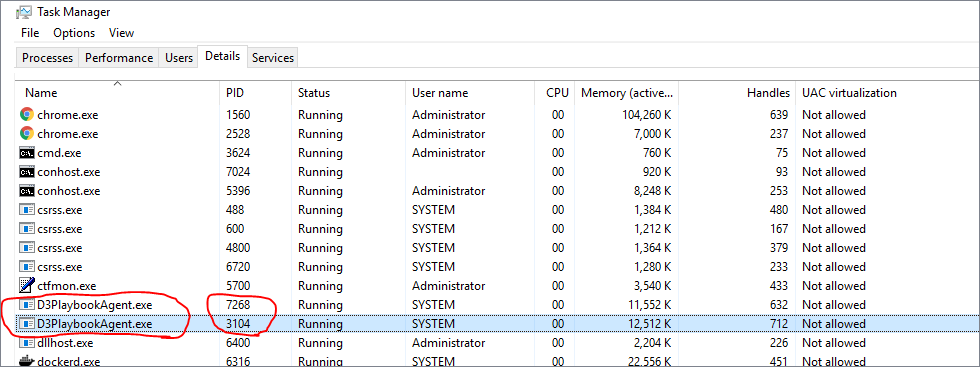
Check the service status in Windows Task Manager. Make sure the services are running.
-
Check the logs at
C:\Program Files (x86)\D3security\D3PlaybookAgent01\log, State:Connected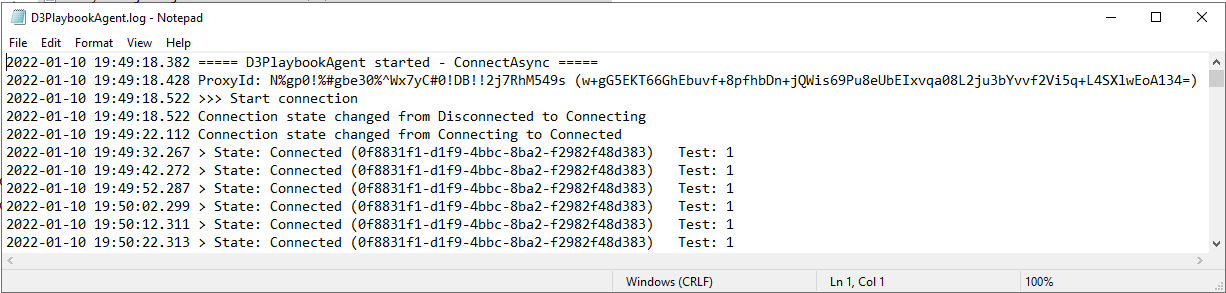
-
Check the logs at
C:\Program Files (x86)\D3security\D3PlaybookAgent02\log, State:Connected
-
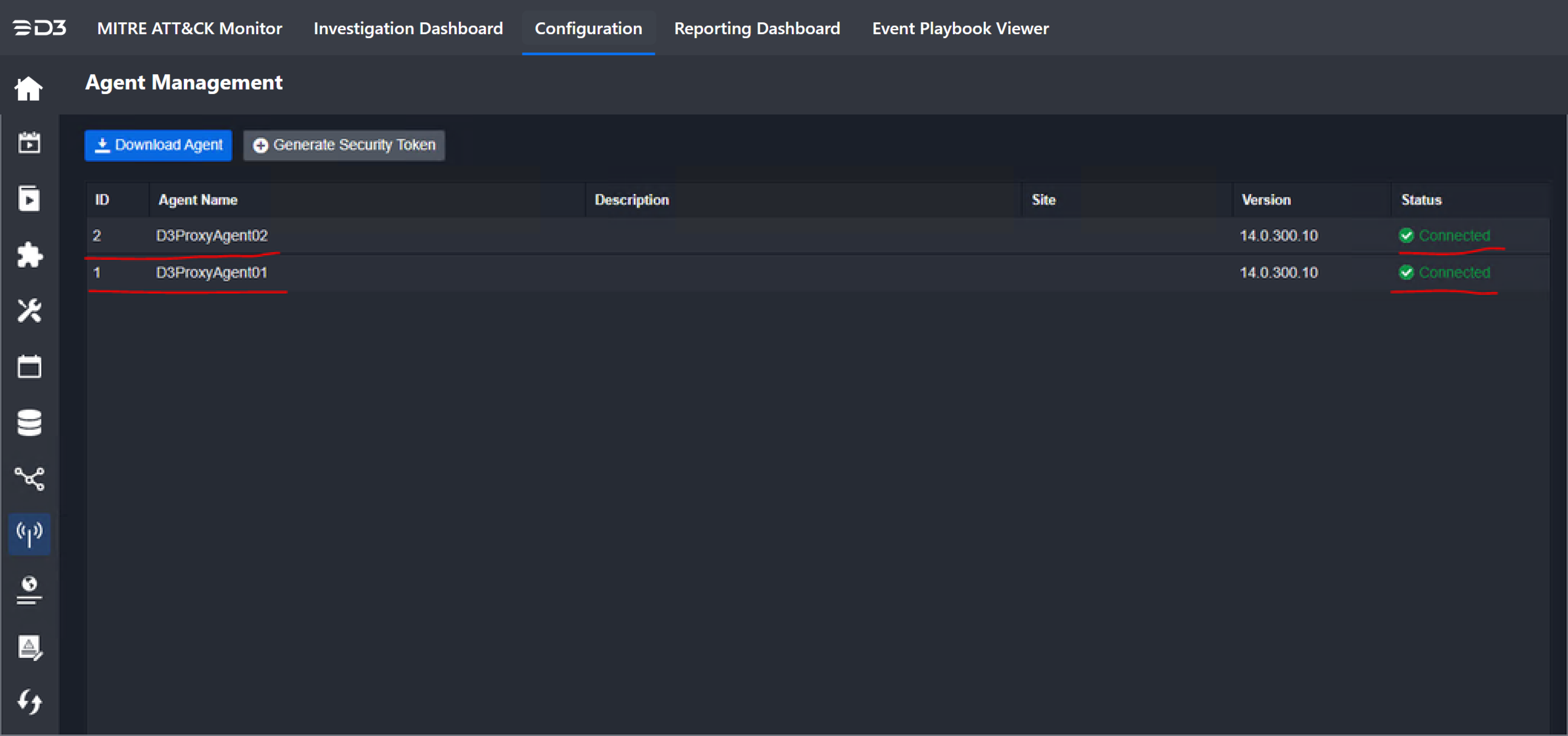
On the Proxy Agent Management page, the Status of both proxy agents should be Connected. Installation has finished and is successful.