
Last Updated: October 23, 2026
Commands are the functions that can be performed with a particular integration. Integration commands are either system commands or custom commands. Running a command needs a connection to the third-party integration; once a connection has been established, the commands can be used in playbooks.
System Commands
System commands are defined by D3 to support core integration functions such as connection testing, data retrieval, endpoint remedial actions, threat intelligence management and status management. Once a valid connection with the third-party system is established, these commands can be used in D3 playbooks.
Test an integration command with the steps below.
-
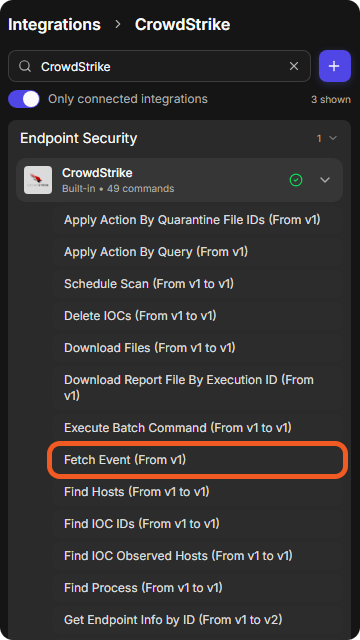
Go to Configuration > Integrations, find the integration, and select one of its commands. The commands are listed under the integration's name on the left.
-
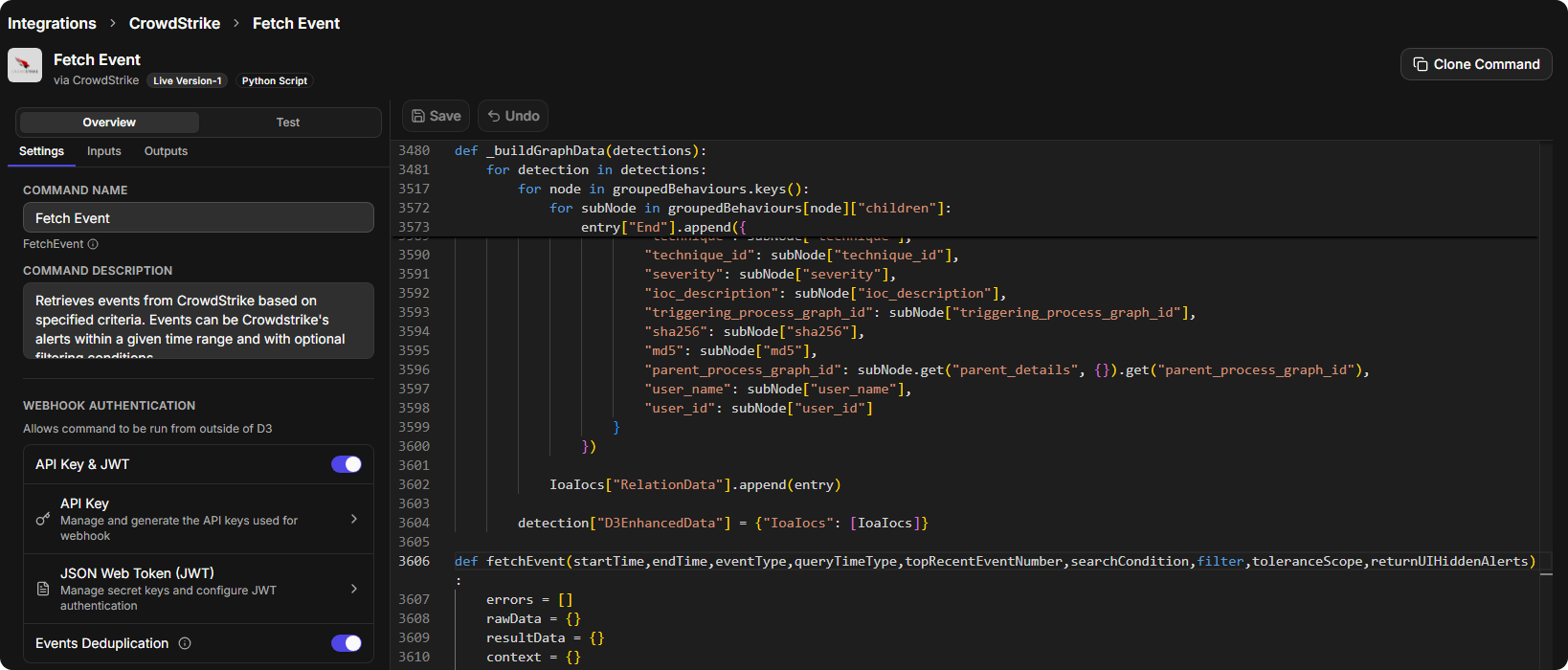
The command opens on its Overview, with the Settings, Inputs and Outputs tabs.
-
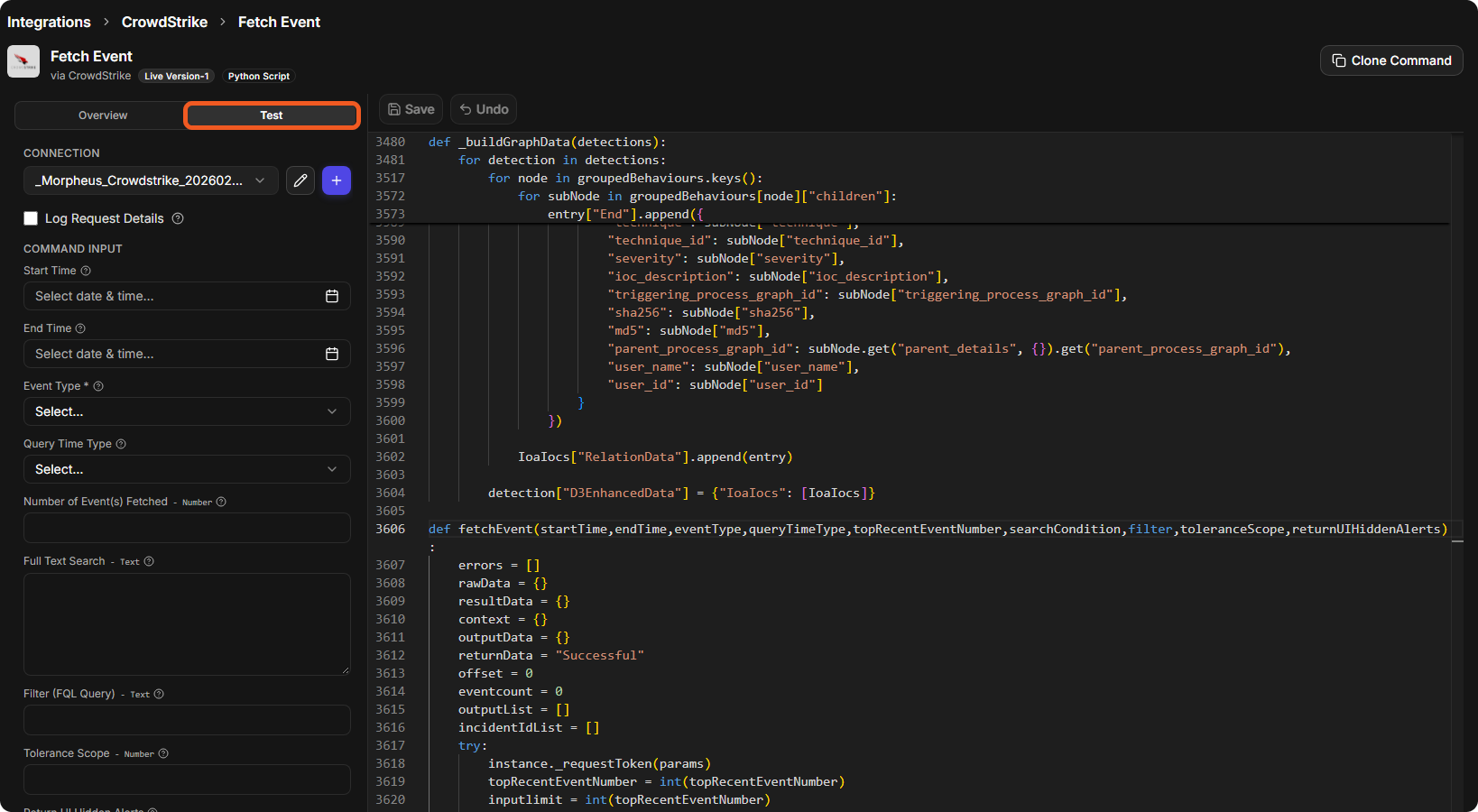
Select Test. Choose the CONNECTION, fill in the COMMAND INPUT fields as necessary (see the CrowdStrike documentation), and select Test Command.
RESULT
Show Test Results shows the results of the test.