Agent High Availability
LAST UPDATED: FEB 1, 2024
Proxy Agent supports High Availability by installing multiple Proxy Agents in different servers. Each agent must use a unique Secure Token.
Example
Install the first Agent in
\D3PlaybookAgent01folder.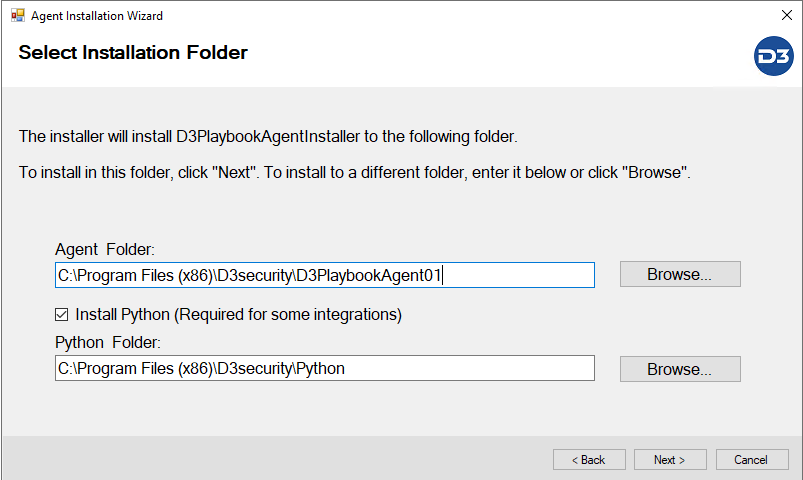
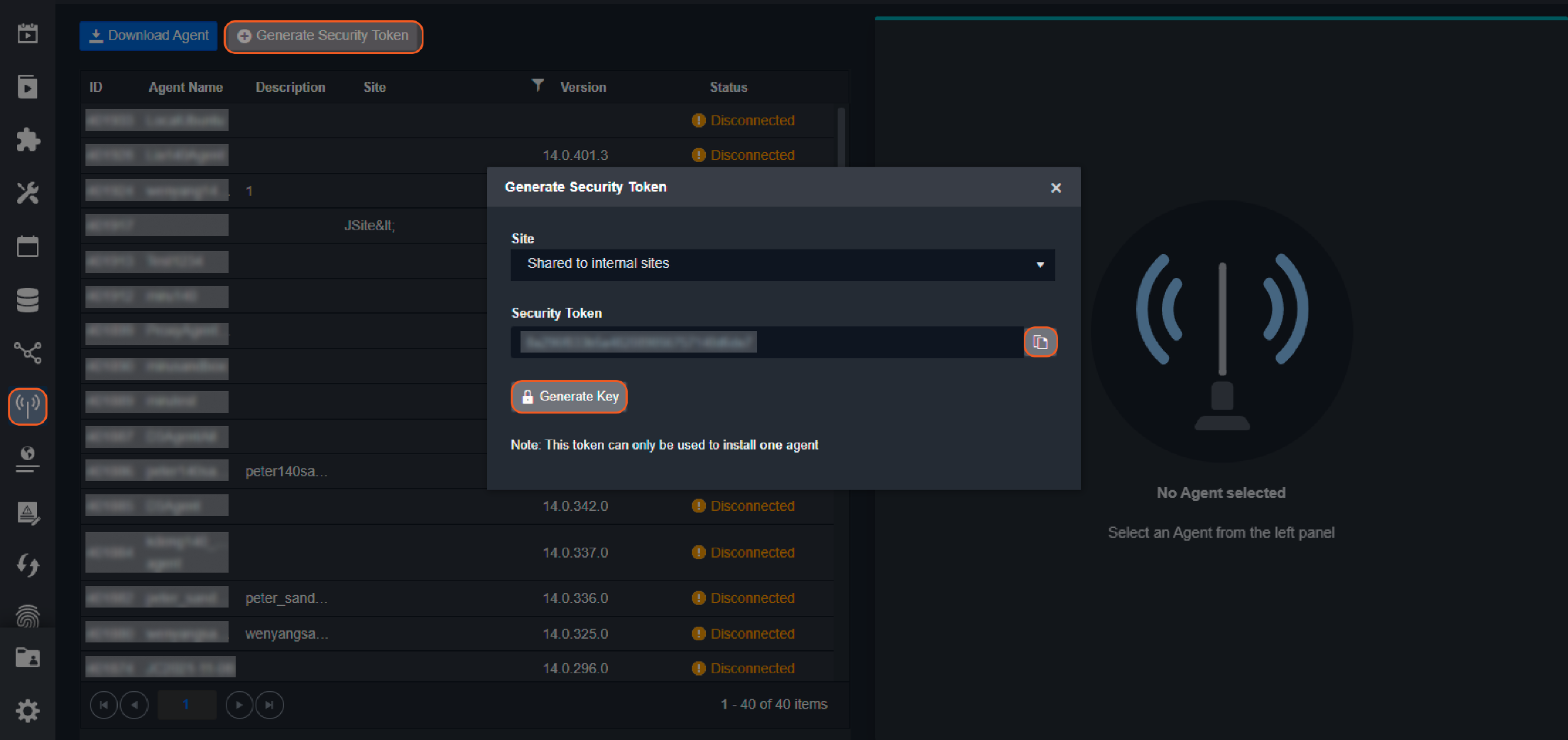
Each Agent needs a unique Security Token. Please generate the token in vSOC page.
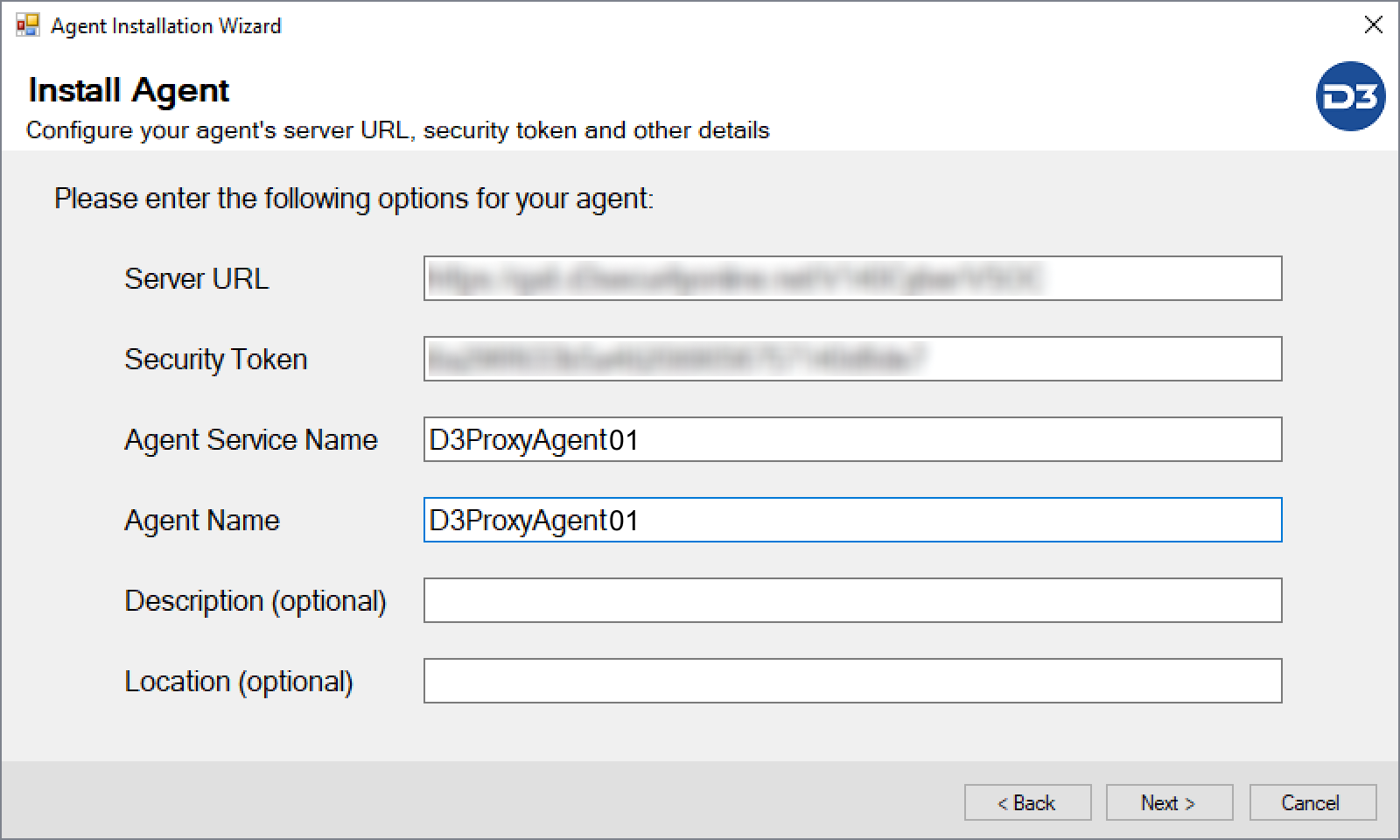
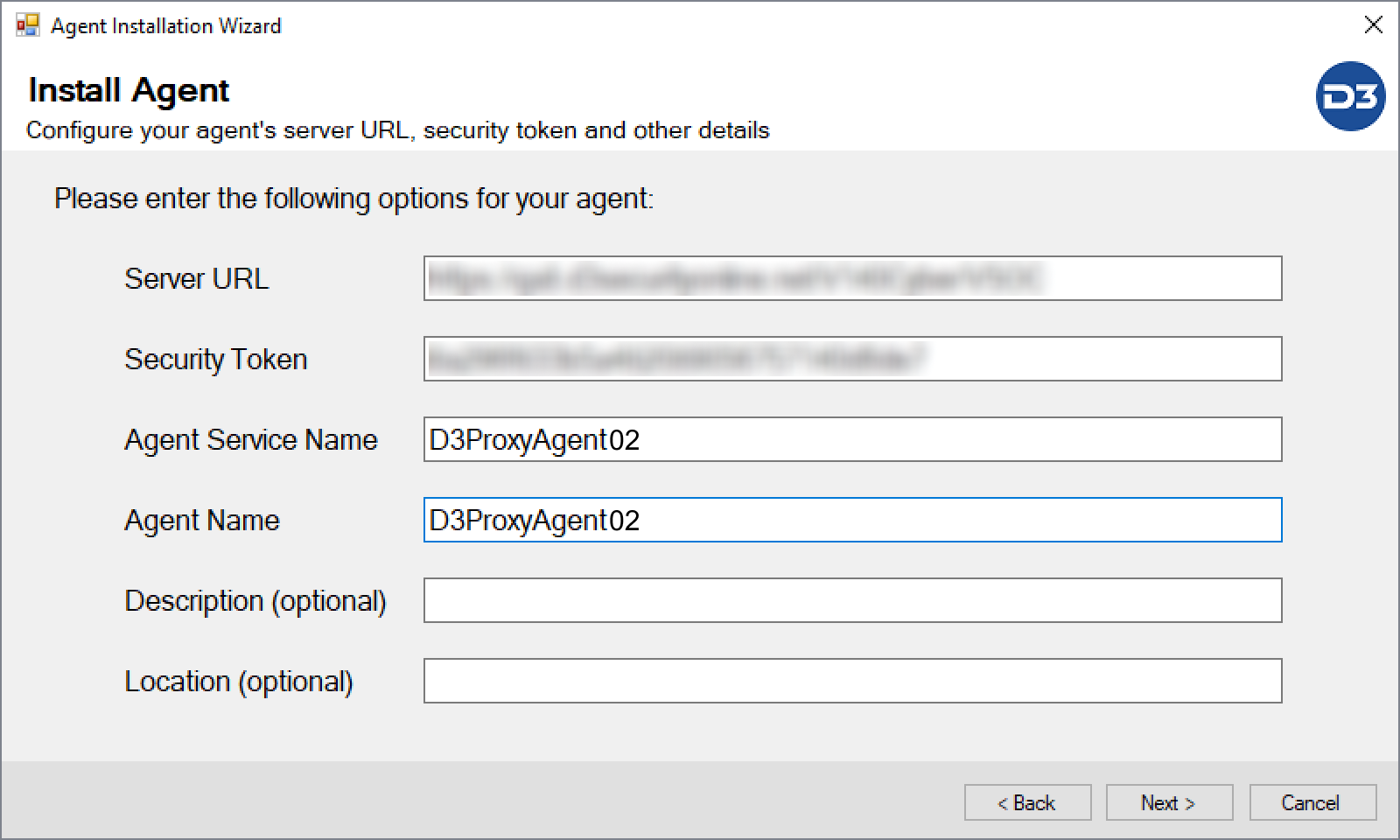
Enter a unique Security Token, Agent Service Name and Agent Name for this Agent
Install the 2nd Agent by right clicking
D3playbookAgentInstaller.exeand run as administrator. Choose Install a new agent.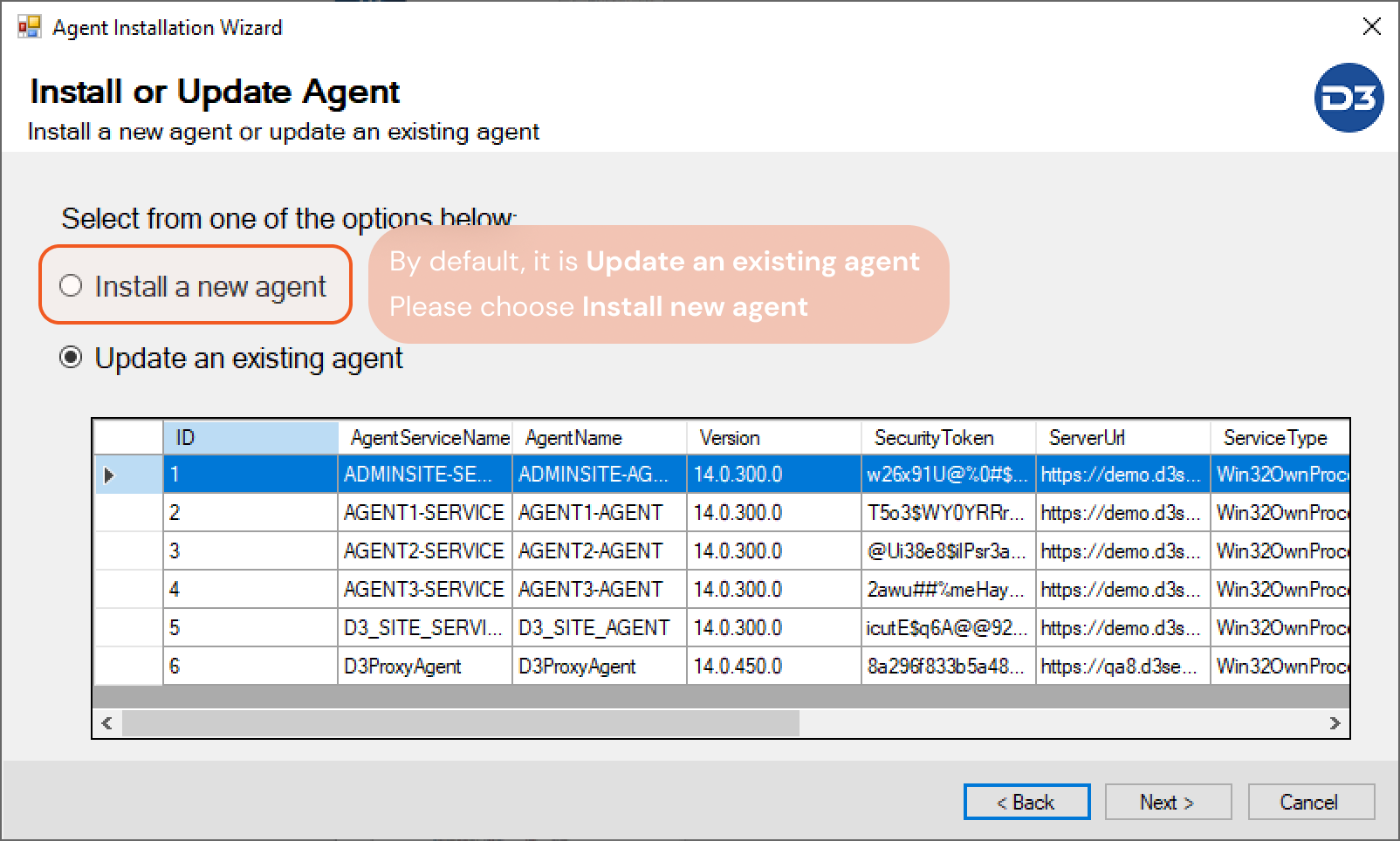
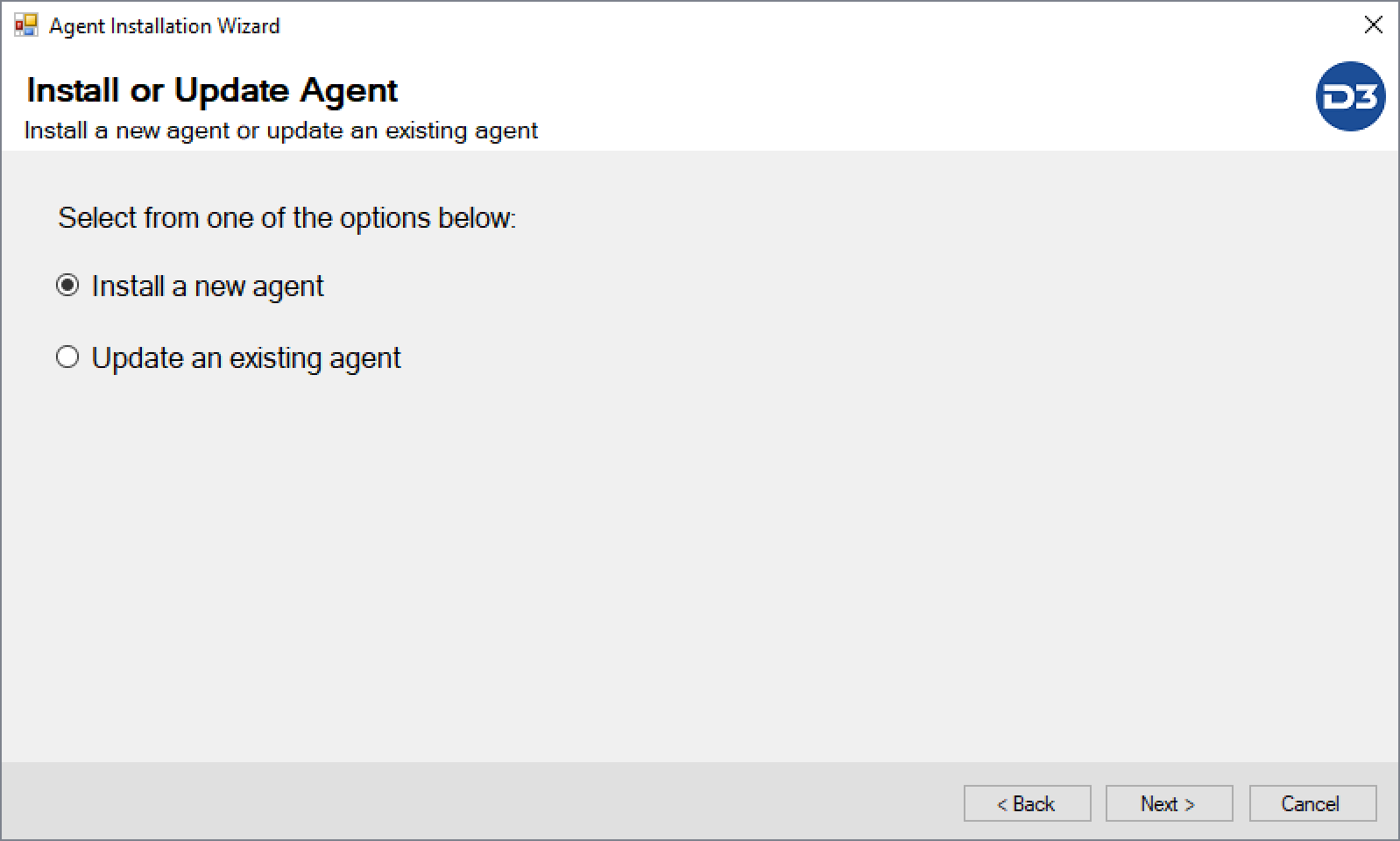
Use a unique folder name, for example
\D3PlaybookAgent02, Keep "Install Python" checked and leave the folder as it is. (That will configure the Python path for the 2nd Proxy Agent)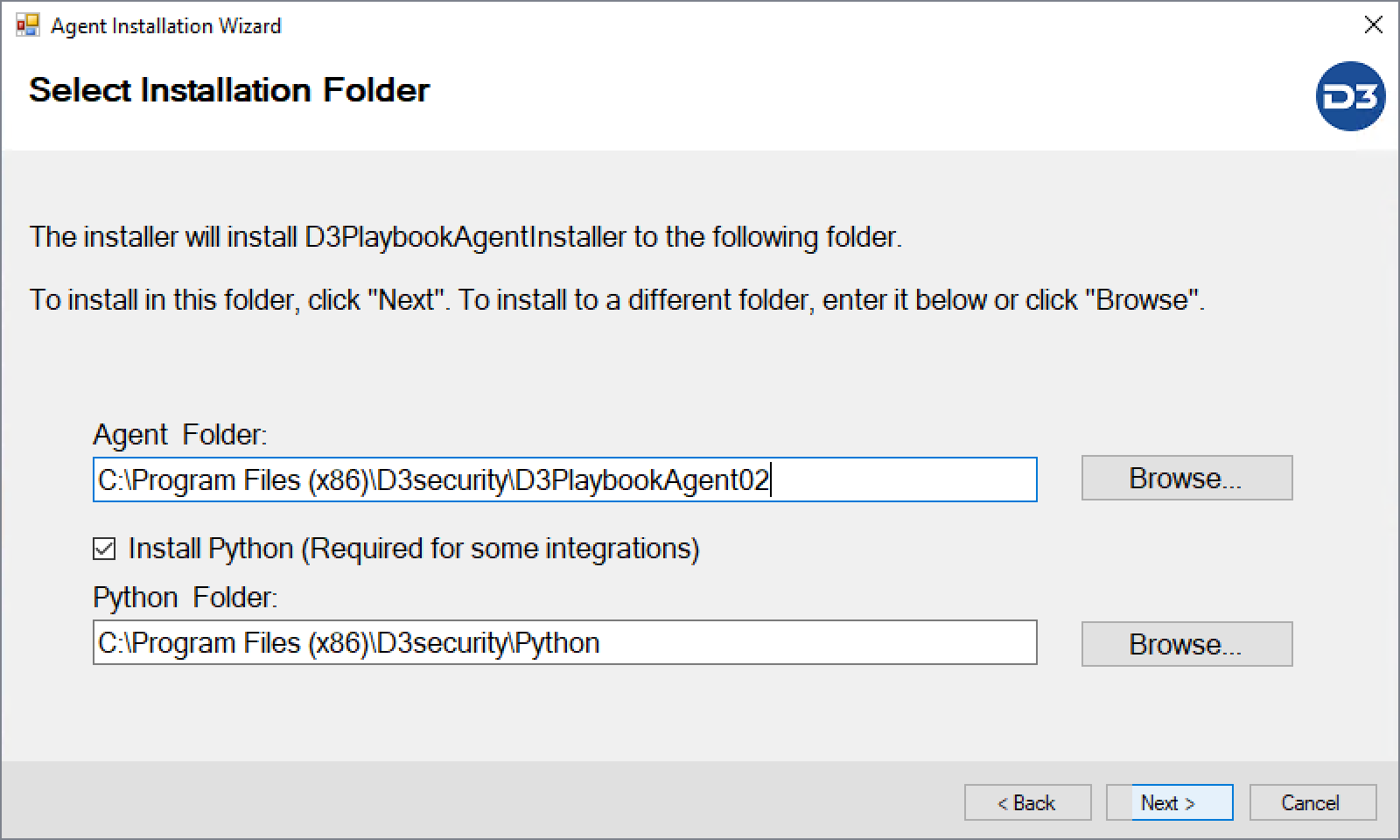
Use a Unique Security Token, Agent Service Name and Agent Name
Complete the installation.
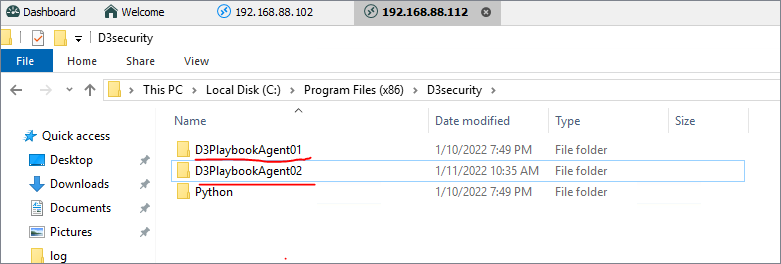
After 2nd agent installation finished, you will see two folders
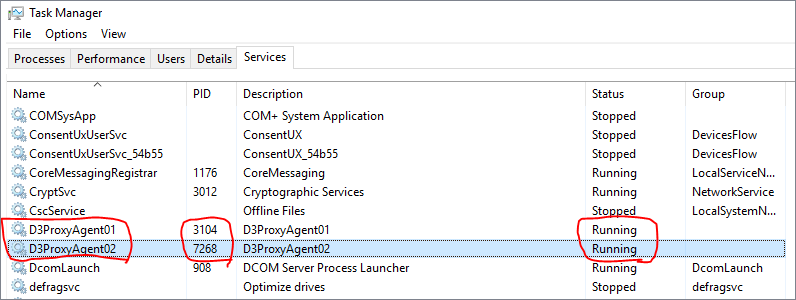
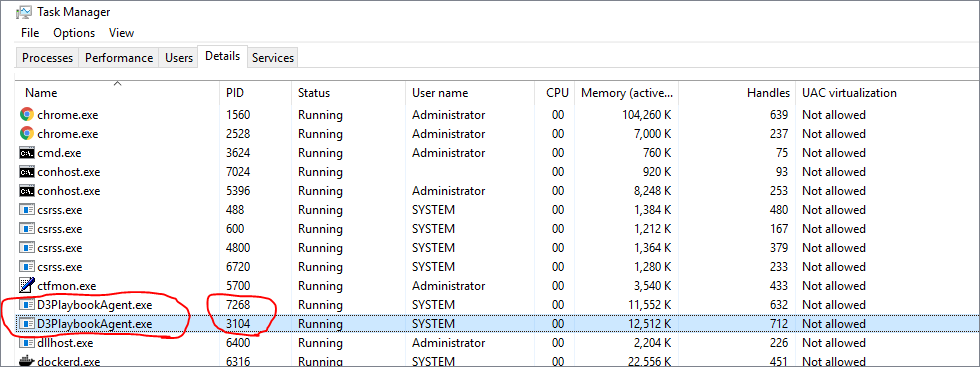
Check the service status in Windows Task Manager. Make sure the services are running.
Check the logs at
C:\Program Files (x86)\D3security\D3PlaybookAgent01\log, State:Connected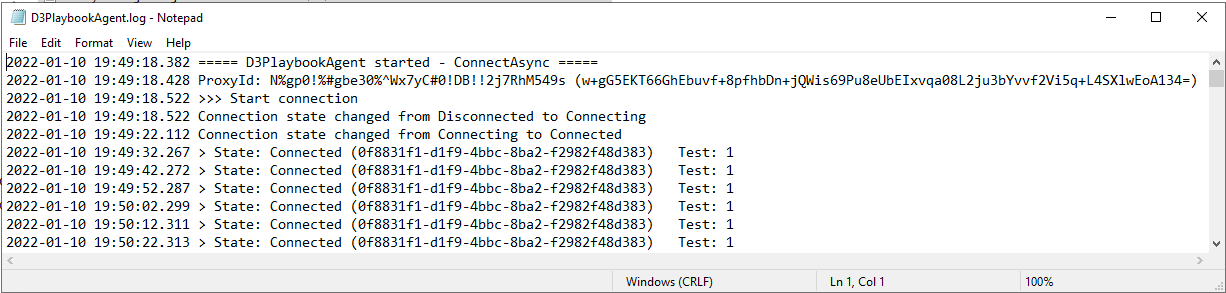
Check the logs at
C:\Program Files (x86)\D3security\D3PlaybookAgent02\log, State:Connected
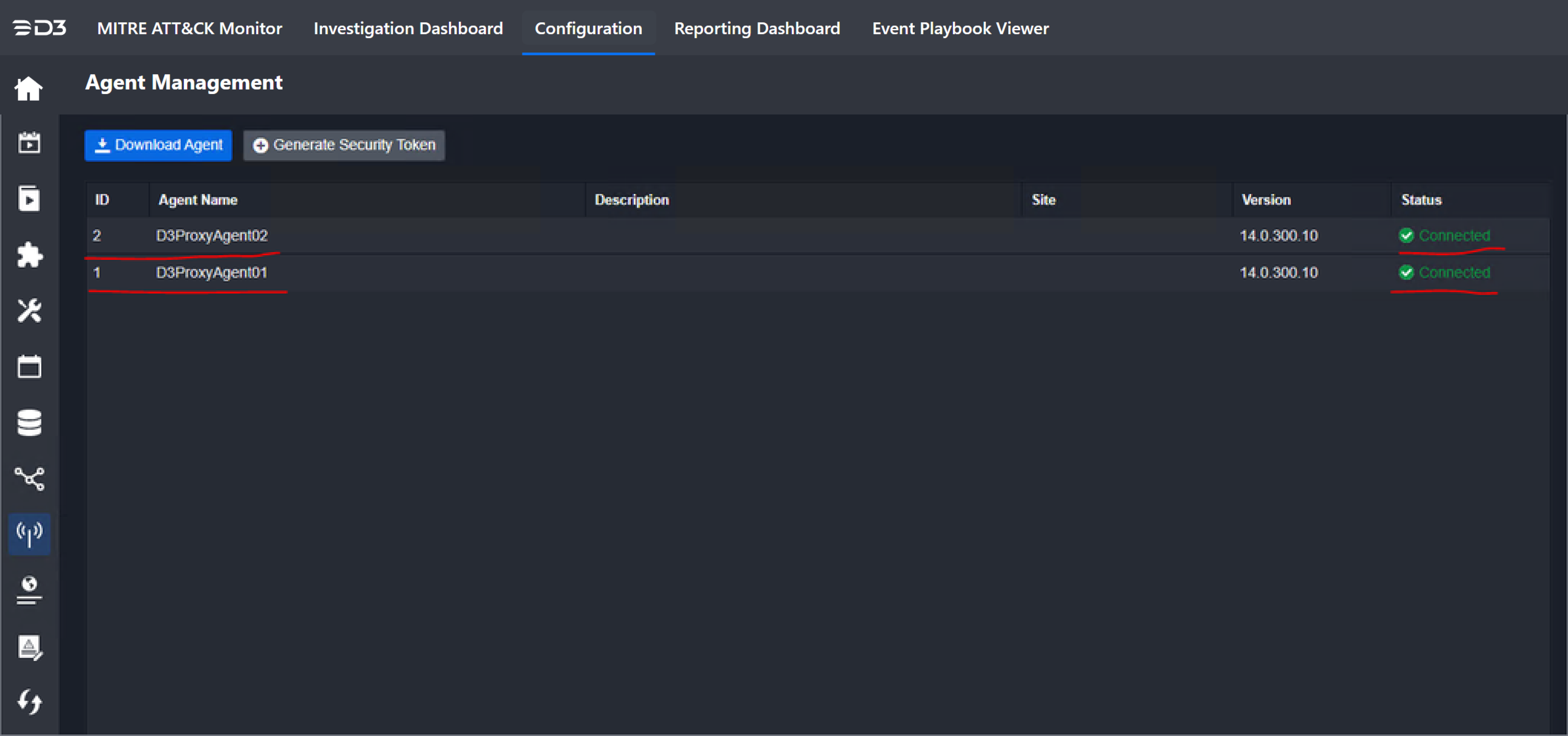
From the vSOC Agent Management interface, both of the Proxy Agents Status should be Connected. Installation has finished and is successful.